Sneaker acts like high heel shoe when switching to animation

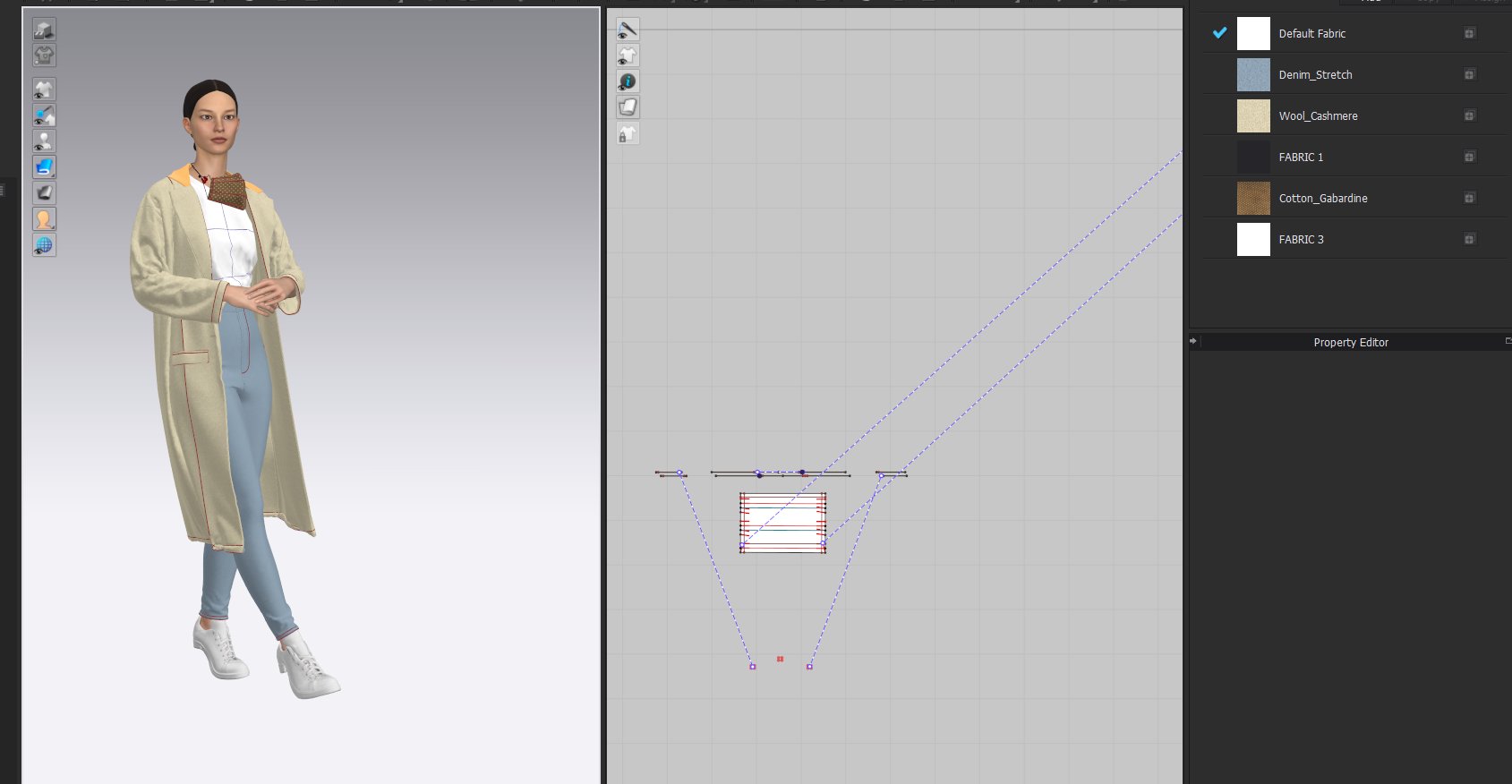
My avatar is wearing white flat sneakers but when I switch to the animation mode an invisible heel appears and the avatar walks as if wearing high heels. This only happens since version 6.0 has been installed. How can I keep the heel and sneaker flat on the ground?
-
I would flick that video off to CLO3D and get them to look at the file.
Sounds like the prop has a reference mesh issue. When you assign the sneaker you can also assign a range of motions and start poses, eg: feet flat on floor etc. Maybe just check another animation cycle and see if the problem persists.
0 -
Hi Annamariaju,
Sorry to hear that you are encountering this issue. It would be great to see a video of what you're experiencing but it does sound like an issue in the most recent version of CLO 6.0.374 that we are already aware of on our end and are working to fix. We hope that this will be fixed soon.
0 -
 0
0 -
Hi, I am experiencing the same issue. After closing the file and reopening it also appears that the avatar sinks down by 2cm, the feet are not flat, and then the garment animation doesn't run with the avatar. I have to redo the animation every time I open the folder to match the avatar.
-1 -
Hi danatroskie & annamariaju. Are you still experiencing this issue after the most recent update to CLO (Version: 6.0.460)?
0
コメント