Issue with creating a marker/print layout with all sizes

Hi There,
I am trying to make a marker/print layout for one of projects with all the sizes. I have graded the patterns while following the videos and manuals but for some reason it isn't working. In the video they suggest to select the pattern pieces, (while in the print layout setting) > right click > nest all pattern. However this option doesn't come up for me. I'm not sure what I've done wrong. Does anyone have any ideas what I could do to fix this? Thank you in advance. My right click options are like below: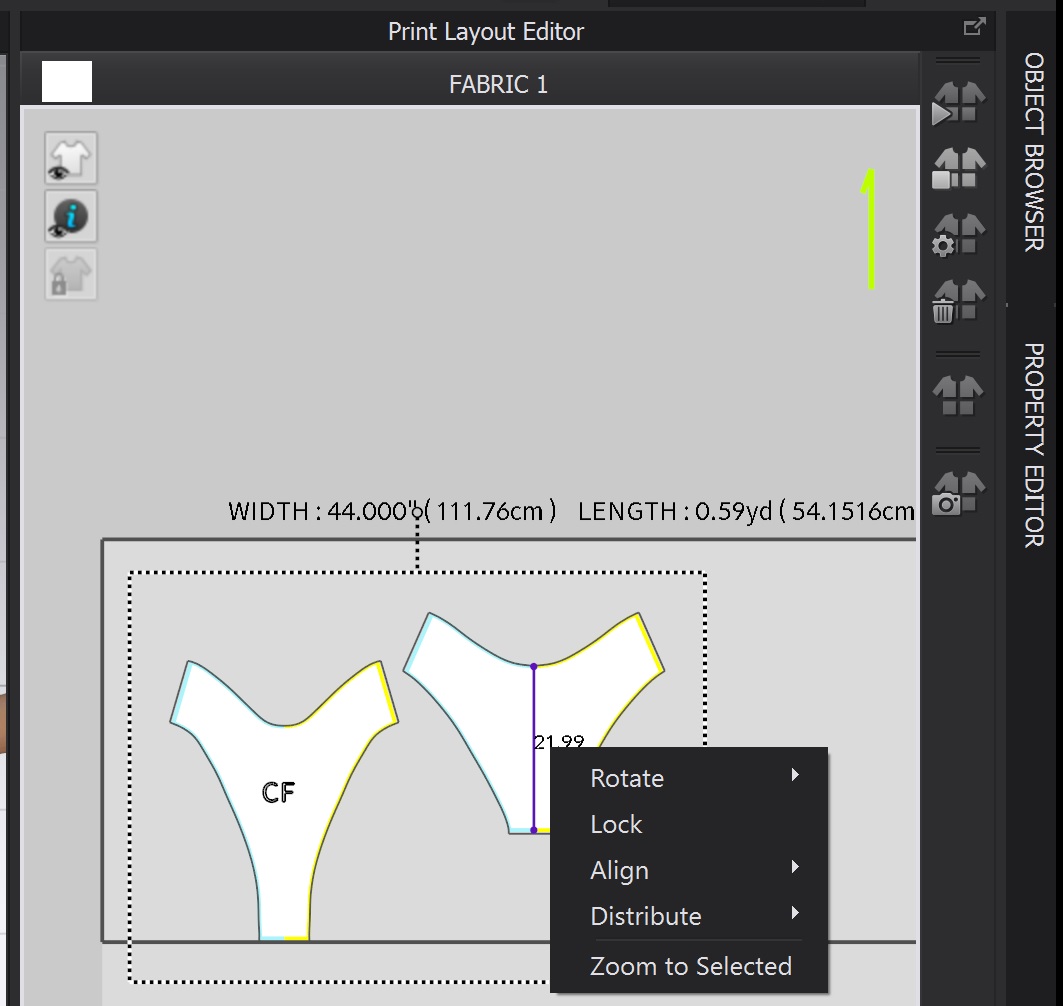
-
Hi, Thanks for reaching out,
The interface change since the video you mention it.
Now you can find the nesting feature goes as follow:
Add the settings in the Property Editor
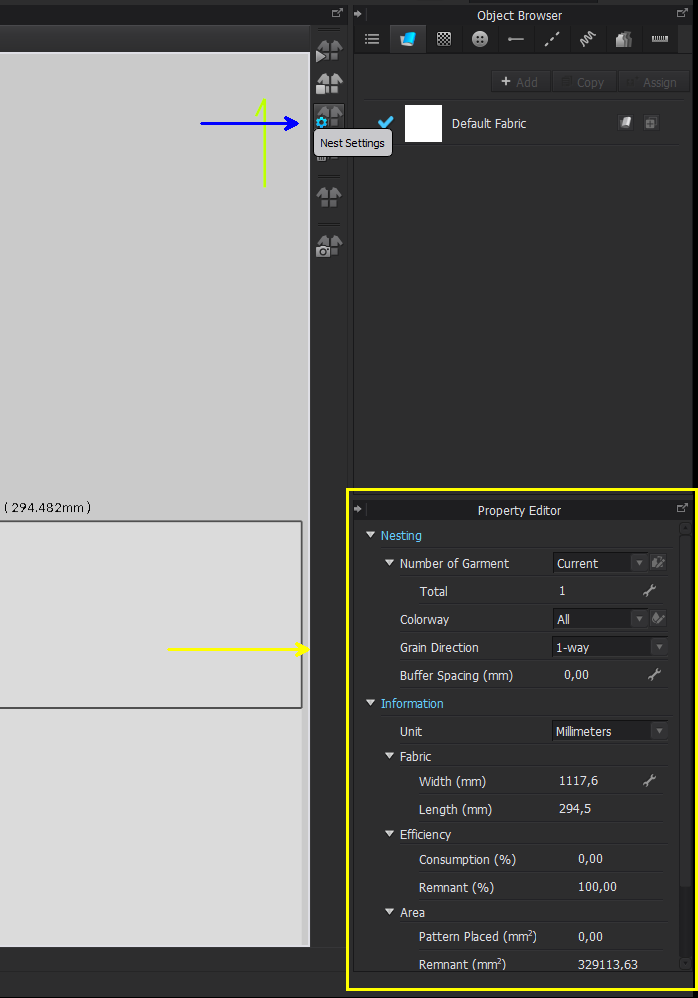
Than press play in the nest pattern icon
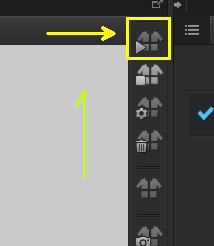
Hope that helps!
0 -
Hi there,
Thank you for your help and clearing that up for me.
Follow up question: when all the nested patterns are placed out, is there a way to tell which pattern piece is which size?0
コメント