Issues with exporting and importing an OBJ

Hi,
I created an OBJ is clo3d. I changed the texture to metal as I wish to have that effect.
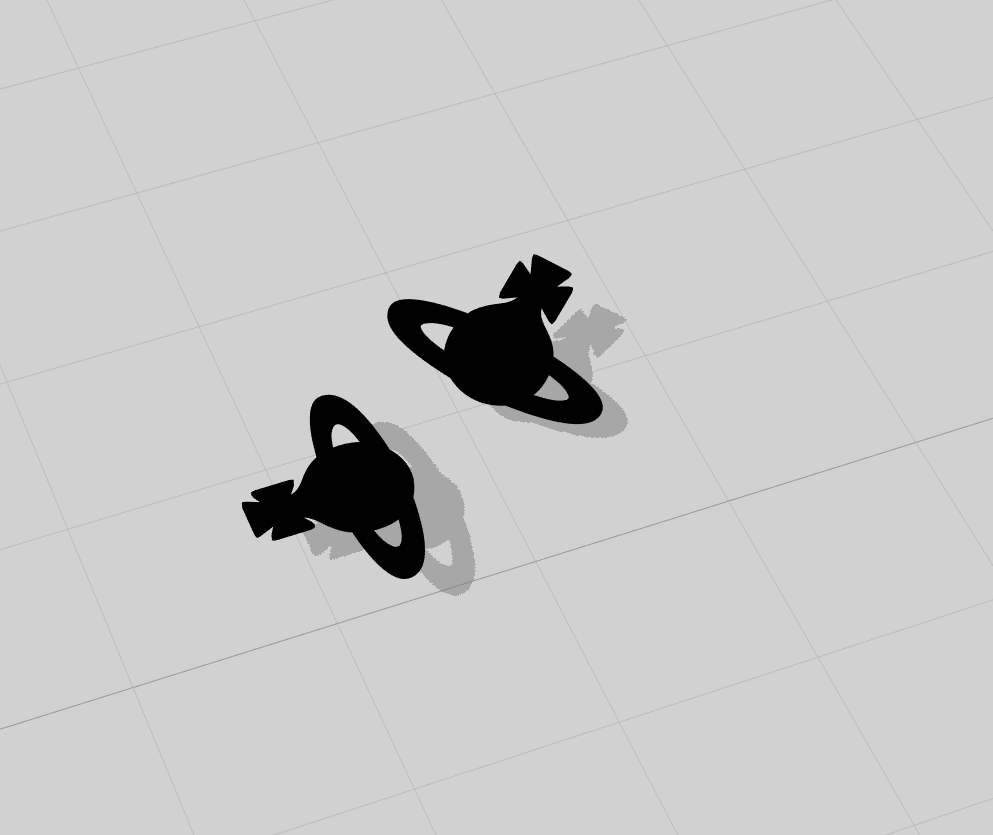
When I export it shows as black - see image below. ]
Why and how could this be happening?
Thanks!
-
Change the material to metal and then apply the color you want inside CLO. Just click on your objects and in the properties panel you'll se the material type dropdown.
0 -
Sorry I want clear, the black is with the metal applied after importing - I have no idea why it has gone black - Below is what it looks like before exporting it.

Once I have exported the OBJ, this is what I get (even when I change to metal)
0 -
Hi,
I think I have solved the issue!
When I export with metal as the type - It goes black, I found it's better to export with the plain, matte type and once the obj has been imported then I change to metal - is this normal?
Thanks
0 -

Fixed!
0
Commentaires