Debossed Leather all over print

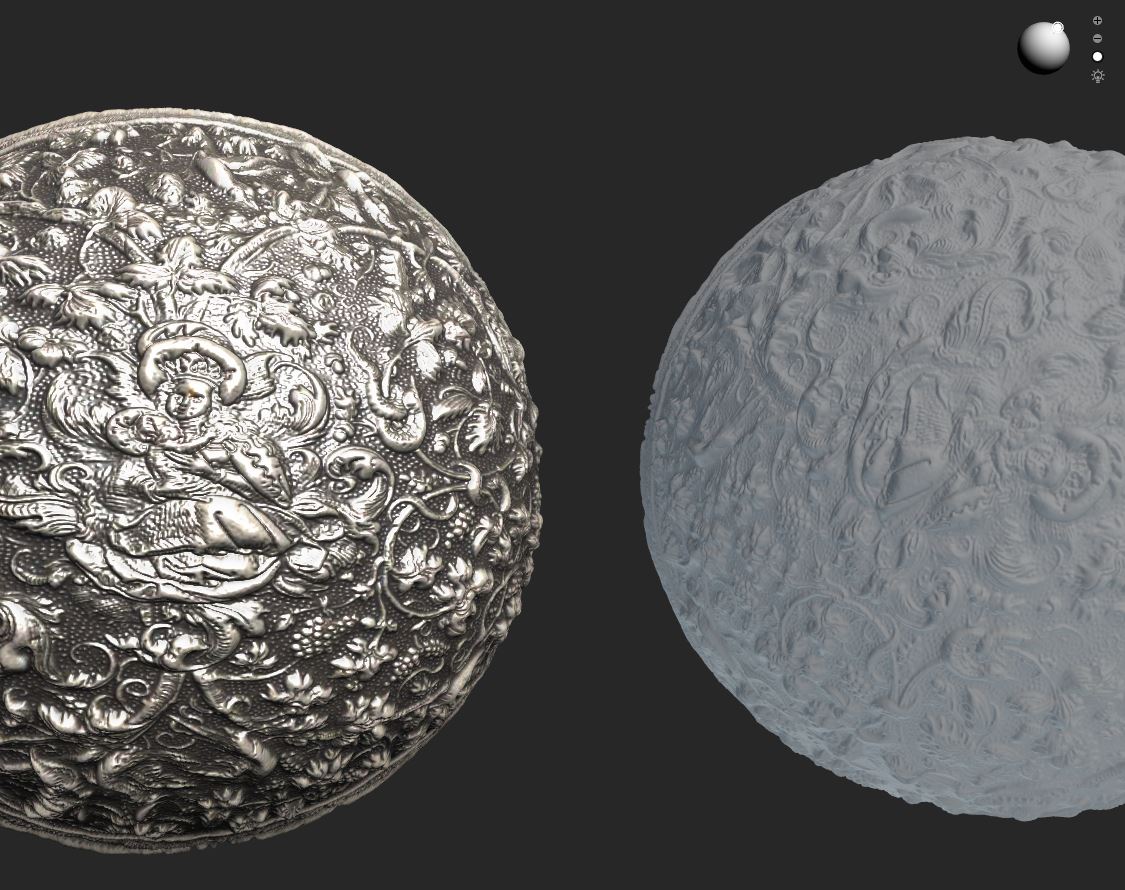
Does anyone know how to achieve the debossed leather effect with an all over pint like shown below?

-
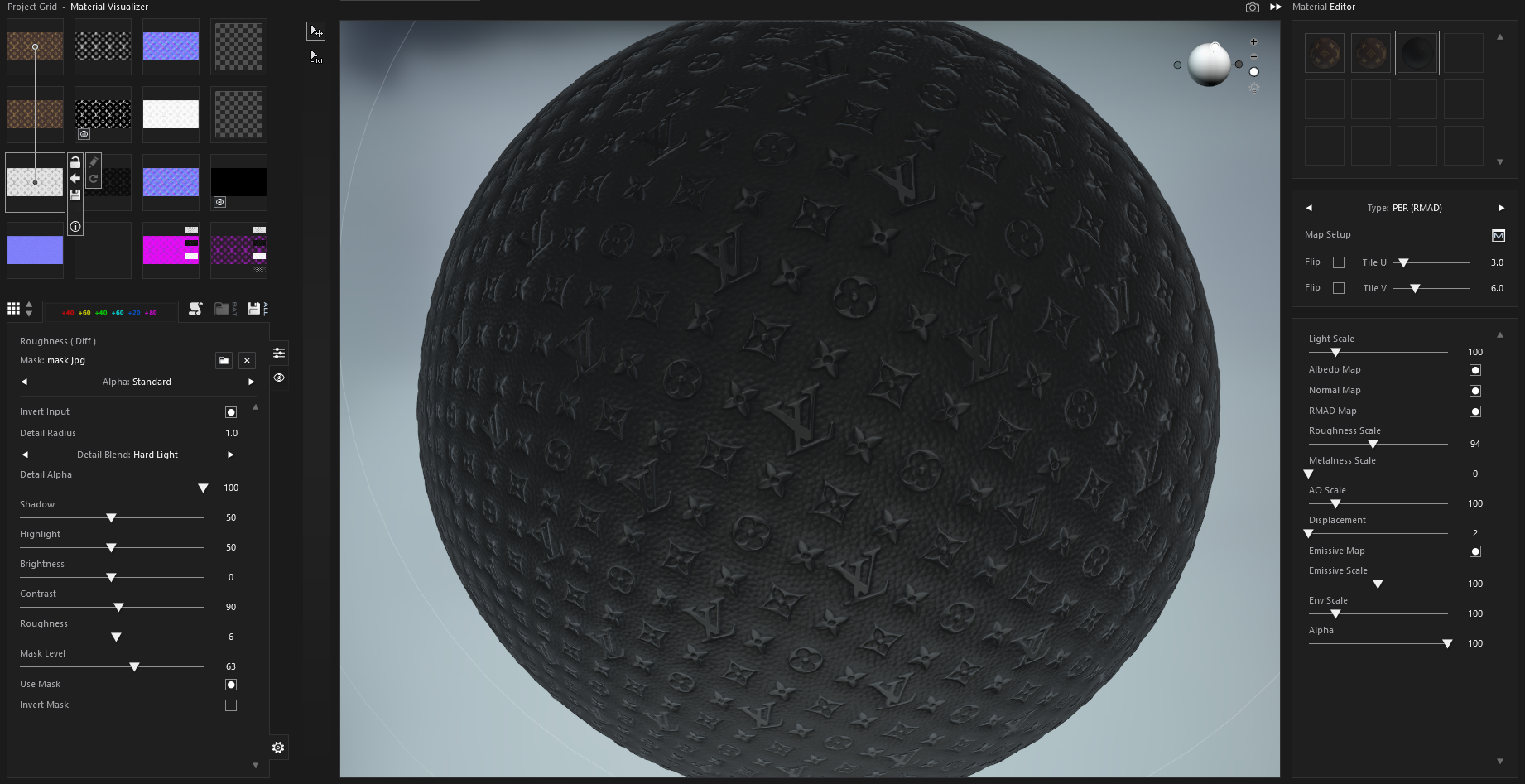
Create your artwork as grey scale for height, combine it with the leather bump map (or use it with the default leather fabric), and then apply the result into the displacement channel in the fabric map texture. Apply some blur and aliasing to the graphic so there is some fall off on the artwork, that way you will get that nice roll into the leather embossing.
 0
0 -
Thanks! I will try this & let you know how it goes!
0 -
Thanks! I will try this & let you know how it goes!
0 -
Okay
 0
0 -
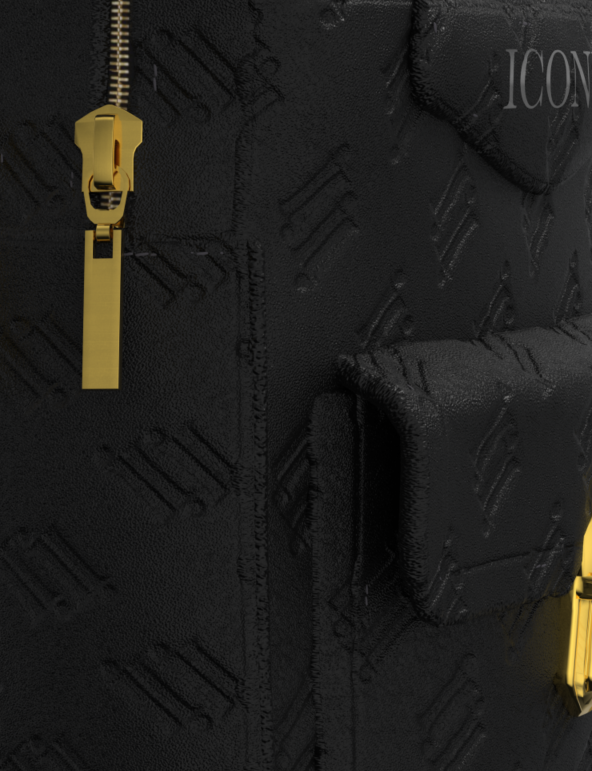
What program did you use to create that map? I was able to create the effect using the bump map in photoshop. Thank you so much! However now the stitching is not showing up on the fabric. How can I fix that issue?
 0
0 -
Shadermap 4 pro, they have a free version as well. You can build simple node graph templates and it will work with your imaging software and also batch save > so it's a handy app to toss in any 2D artwork and get an update. It also generates better blended normals than substance designer, and is a tad faster to use.
0
Commentaires