Issues with CLO Export to DXF for production CNC cutting.

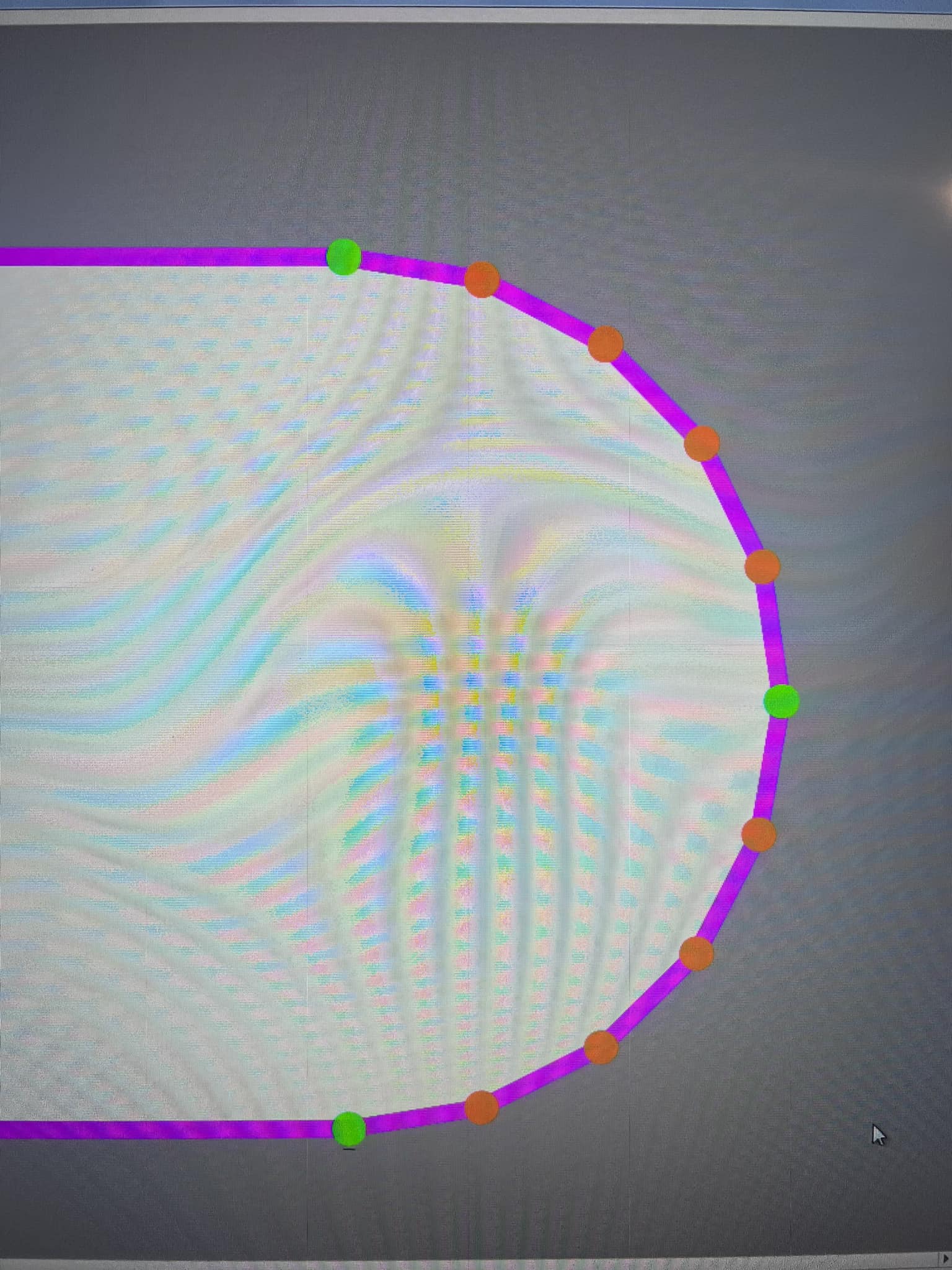
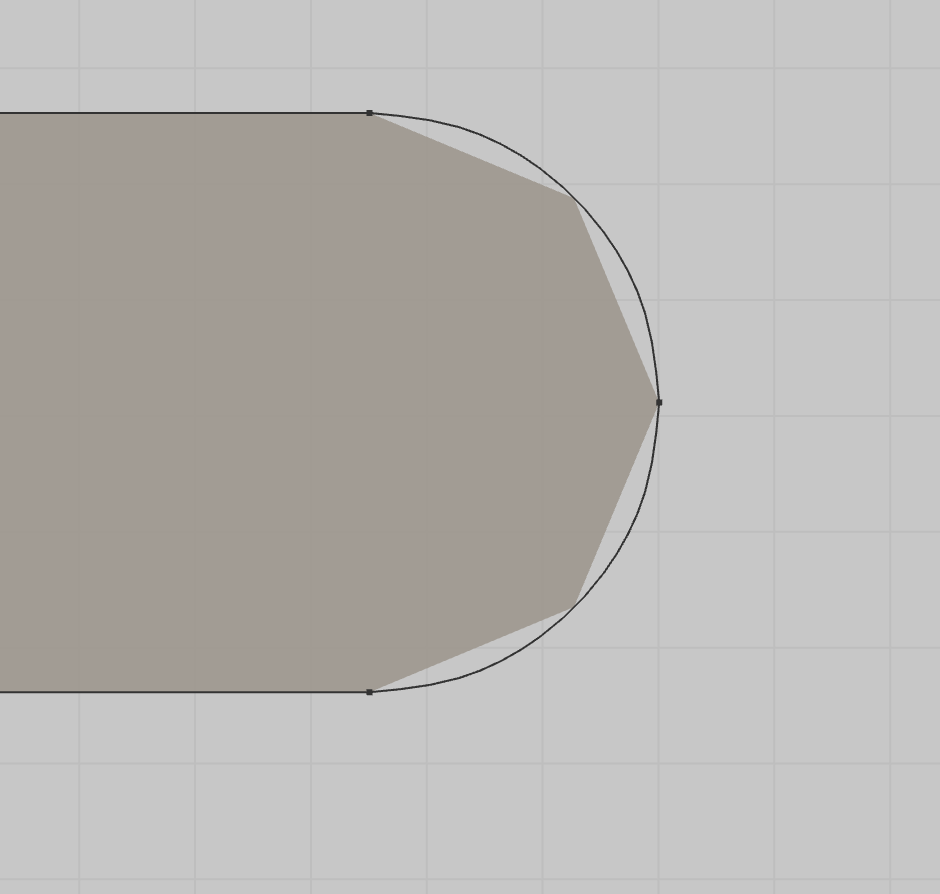
Does anyone export DXF's from CLO to a CNC cutter? We're having a hell of a time with our workflow. CLO doesn't seem to want to export arcs as curved lines and instead turns them into a series of straight lines instead. This is the case when we export as all the available DXF formats and bring them into multiple CNC cutting softwares, Gemini, Optitex etc.
We've tried to change all of the export settings like optimize curve points etc. We even brought the CLO exported DXF's into other cads like Gemini etc and none import with curves. It's all a series of straight lines. Any ideas?
Here’s a photo of what our cnc imports from clo.
The only way I've got this to work is to export the pattern piece as a dxf, open it in illustrator, export it as a pdf, import it back into CLO, and then export that piece from CLO into the cutter. Then the lines are curved. So painful.
The CNC and CAD manufacturers are telling us that CLO is not doing the processing that it should.
-
Hi taygins,
We can see there is an open ticket with our tech support about this issue, therefore, we are closing this thread.
0
Commentaires