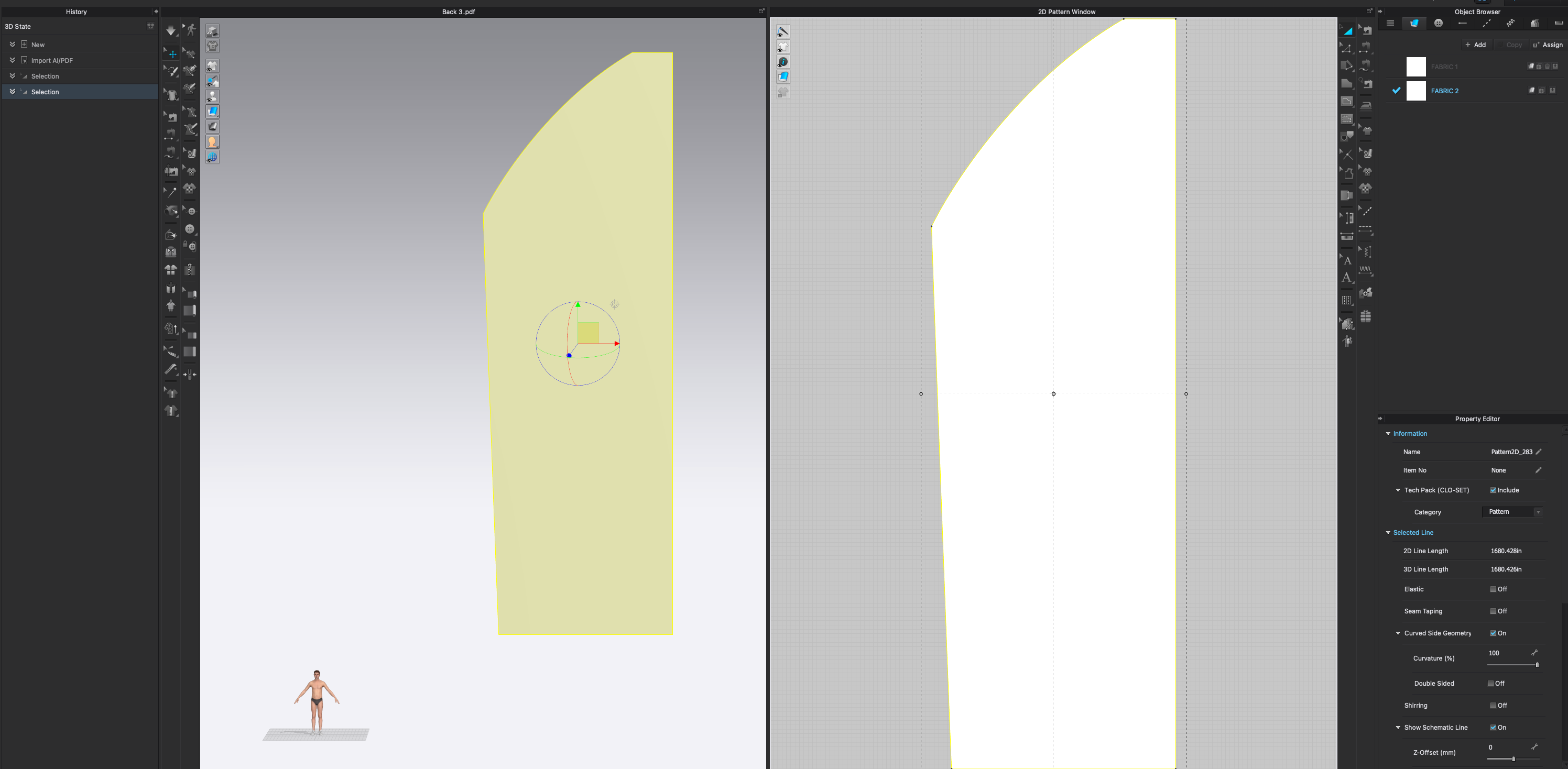
Illustrator ai Import to CLO not to scale. Way too big

I am new to CLO just trying to figure out this issue.
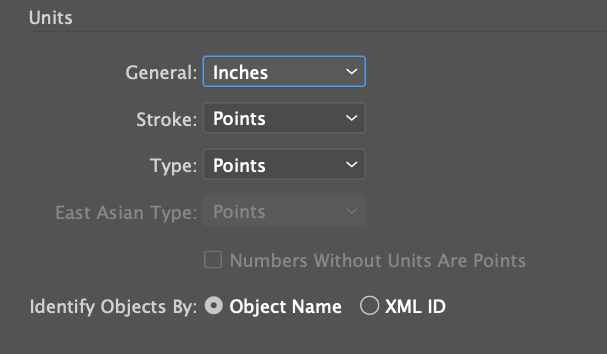
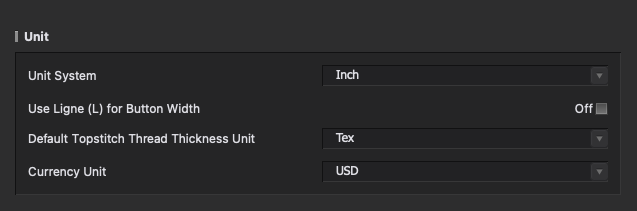
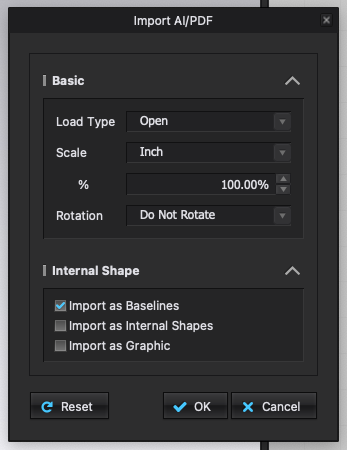
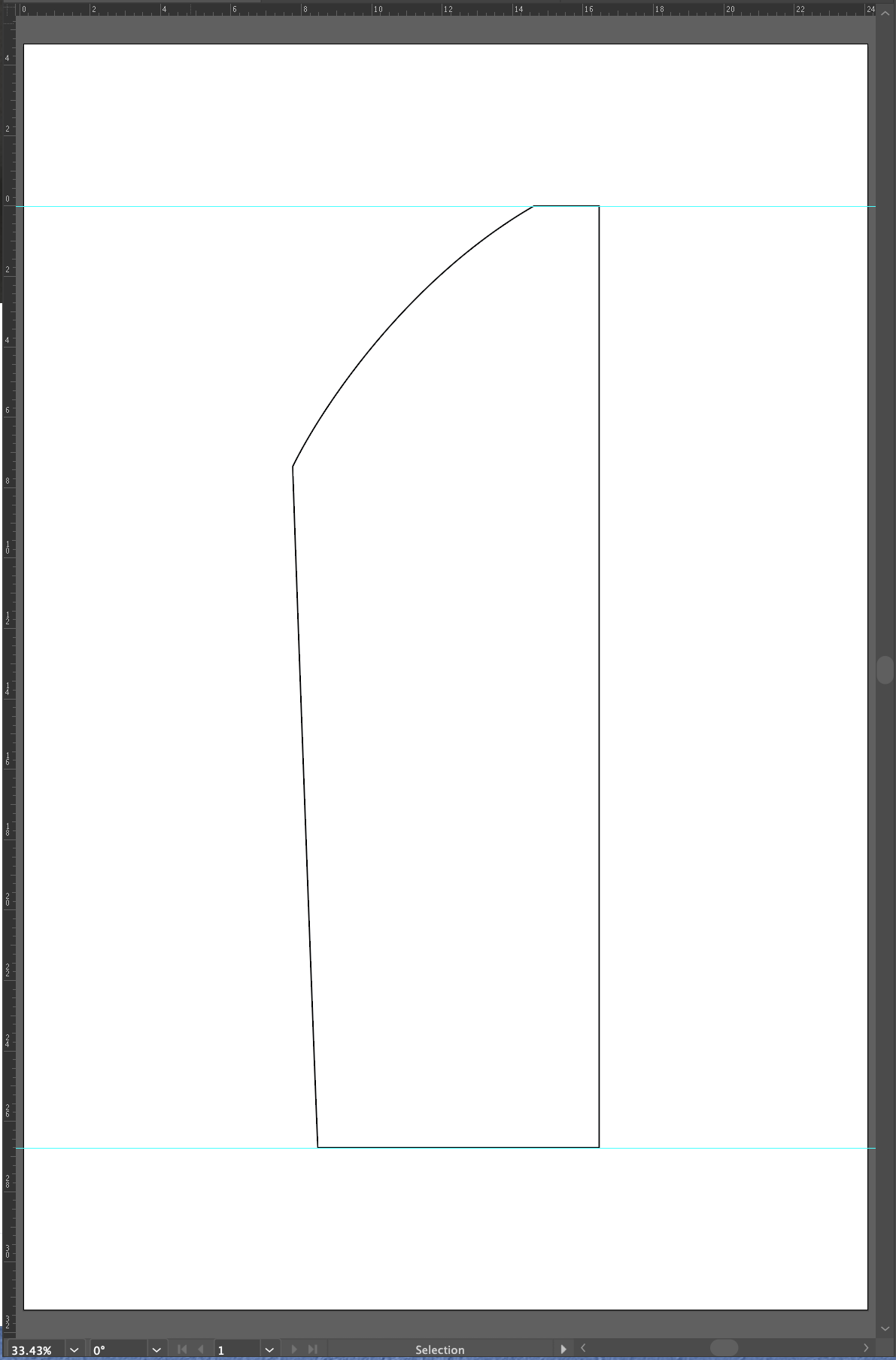
I have an .ai file in inches at 100% scale. I am trying to import it into CLO in inches at 100% scale, but it keeps importing it huge. What am I doing wrong here?
0
-
Use autoscale option.
When you export from illustrator you need to ensure you have world units set to all attributes (artwork) and that any scalars associated with artwork are applied before export.
0
Comentarios