Render in high quality

Hi
Everytime I render a garment, it doesn't look realistic.
I would like to know how to become a realistic garment (like on the website of CLO).
Wich settings to use?

-
It's not just a renderer.
You must first adjust the properties of the fabric, the texture of the fabric, the normal map and rough. setting. to think over and specify the bending stitching seam, possibly finishing lines. At the seams, add the puckering. add thickness of the fabric.
And the renderer has few settings. Only the environment map and noise level. That's all.
Pay more attention to the textures of the fabric.Textures begin to be read in the renderer at a resolution of 3k. Then you can reduce the picture in Photoshop.
I wish fast renders.0 -
At you the collar does not lie correctly.
First it is necessary to achieve correct landing of a product, to adjust properties of a fabric, to adjust textures, and only then to use a render.0 -
Hi lenaaspeslagh93,
Vadsura's correct! You'll want to adjust the garment itself and not the Render settings first. Check out this video for how to prep a garment for rendering.
For a shortcut, try using the Hi-Res Garment tool. Below are the settings I like to use, but you can read about them in the guide and decide for yourself what works for you. Just make sure you turn Simulation on for a bit after changing the properties to see the updates.
 2
2 -
One another helpful link: https://support.clo3d.com/hc/en-us/community/posts/360000695407-Rendering-options-
0 -
Hi Vad,
Everytime i render a garment it is very noisy and the details are not clear or realistic. My HD properties were the same as mentioned.
 0
0 -
HI nmsinndhura. Looks like you are off to a great start. For getting a more realistic render in the Render Engine you will need to adjust settings there.
Without seeing your specific render settings I cannot tell exactly what you will need to do, but since you do mention Noise I would start by reducing the Noise threshold to .010 In The Render Properties Tab. We hope this helps
0 -
Hi Vad,

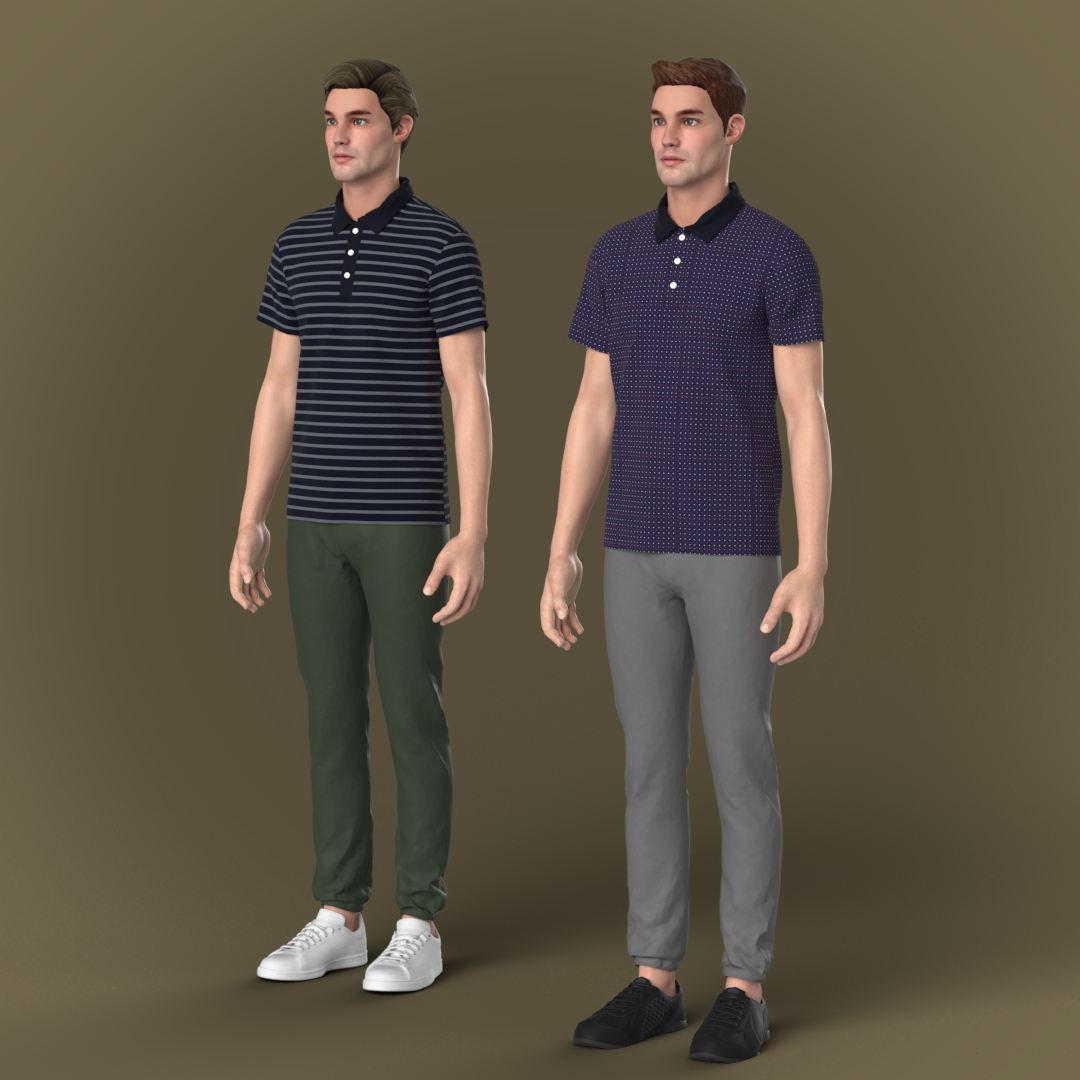 1
1 -
Hi vad,
As mentioned by you the render settings are the same, but still i am not able to achieve HD resolution images.
2 -
I have the same issue for about 2 years and don't know how to fix it no one says how ! :(
Please , Help us to make the render perfect like yours0 -
Hi tooosa and others,
To improve the rendered image result, it is recommended to:
1. Apply High-Res Quality settings on your garment. You can use the High-Res Garment tool from the 3D window. To know more about High-Res Garment: Link
2. In Render window > Render Properties: You can lower the Noise Threshold to 0.050. This is related to the noise appearance. You can also change Light Quality and Material Quality to "Medium" or even higher quality.
3. In Render window > Image/ Video Properties: Please set suitable Image Size and set the Resolution (ppi). It is recommended to use 300 ppi or higher value.
 0
0
Comentarios