Im trying to make this garment non wrinkled...

Any time i simulate this model that I had created for me, it just collapses to the floor.
There was no avatar when i opened the file either.
all I want to do is make the garment non-wrinkled
please help
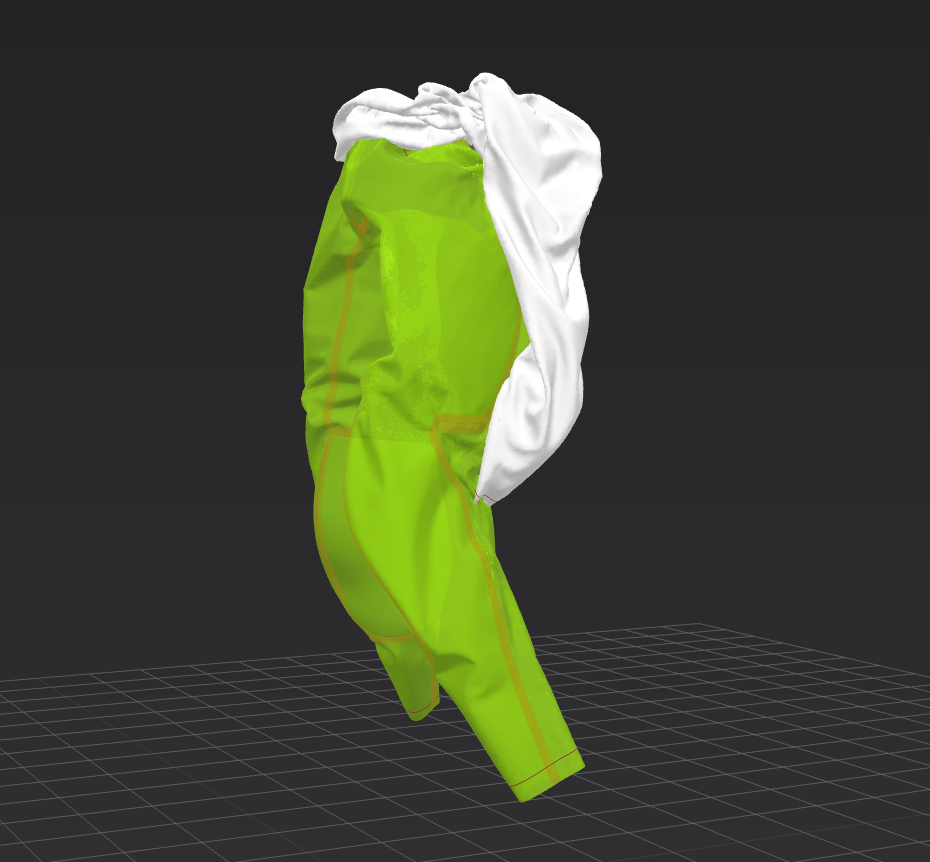
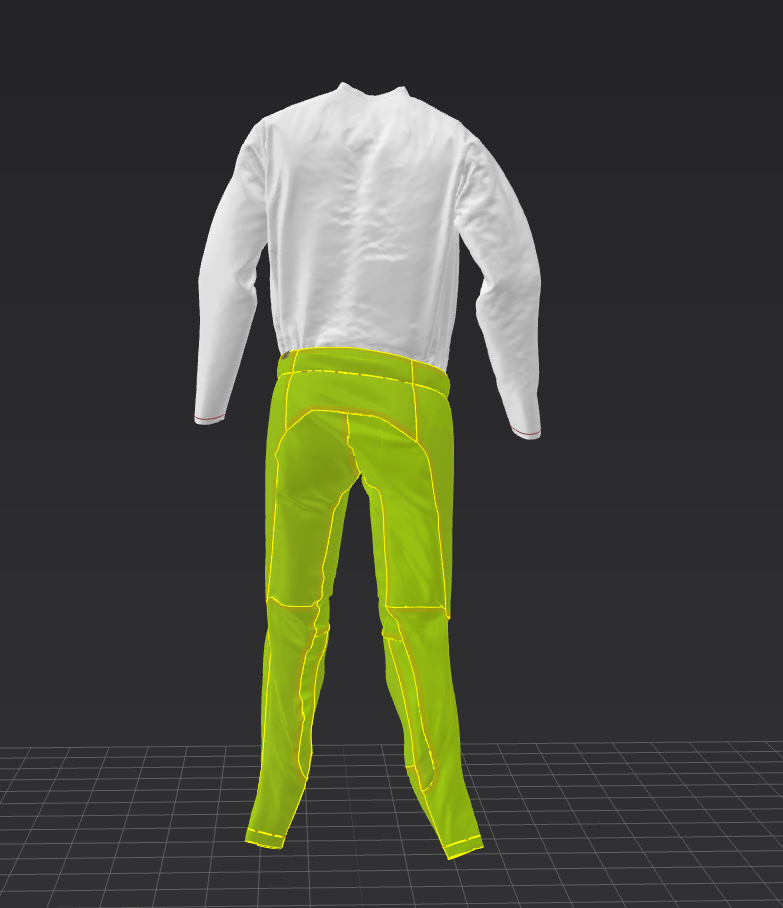
-
Click on the 'show avatar' button in the 3D interface ( it looks like a head and shoulders - hover over and the first option along should be to show avatar)
Then you can see if the file has a pre-loaded avatar or not.
If there is no pre loaded avatar you will need to import one, if you simulate with no avatar the clothes are essentially floating in mid-air and so will fall down to the floor. When you bring in the avatar you may need to re-arrange the garments slightly to be over the avatar before simulation.
If there is already an avatar loaded then I assume that the clothes are not positioned correctly, so again, after showing the avatar you will just need to move them over to be as close to the avatar wearing position as possible before simulating. Often the easiest way to do this is to select all in the 2D window, and then in the 3D window used the gizmo to move the outfit up / down / L/ R.
Hope this helps
0
Comentarios