3d view camera angle got weird after I rendered with HDRI dome light

Hello, I have some trouble setting the camera angle after rendering with HDRI image in Dome light
this is a normal 3d view,

normally camera looks like this in 3d view, but after I render with dome light having HDRI image on the background,
the camera changes to some kind of fish-eye lens, and I don't know how to go back
I deleted the dome light with the HDRI image in it and deleted all the lights to go back to the normal camera lens, but it doesn't work
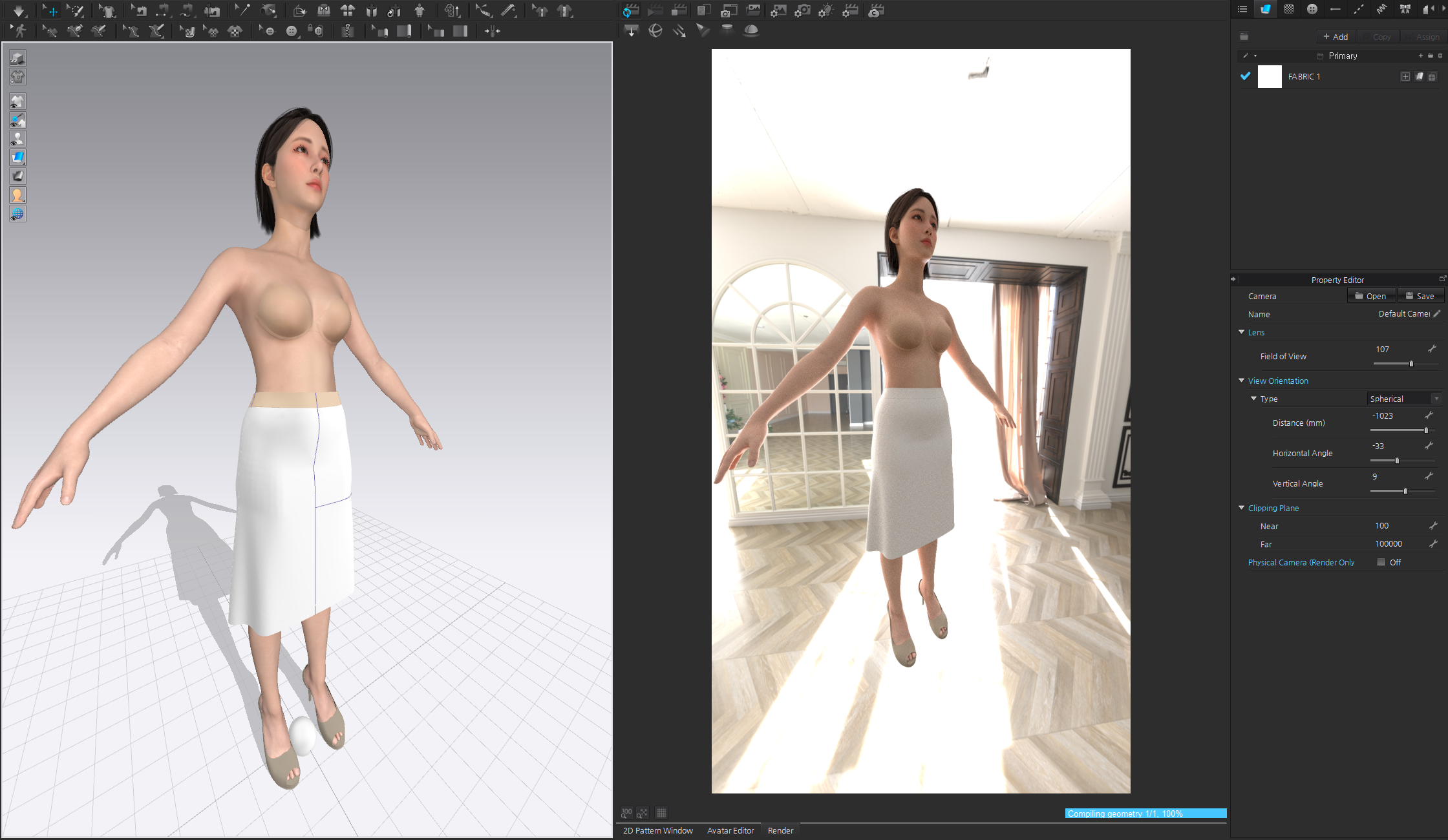
now she looks like a 3 headed figure
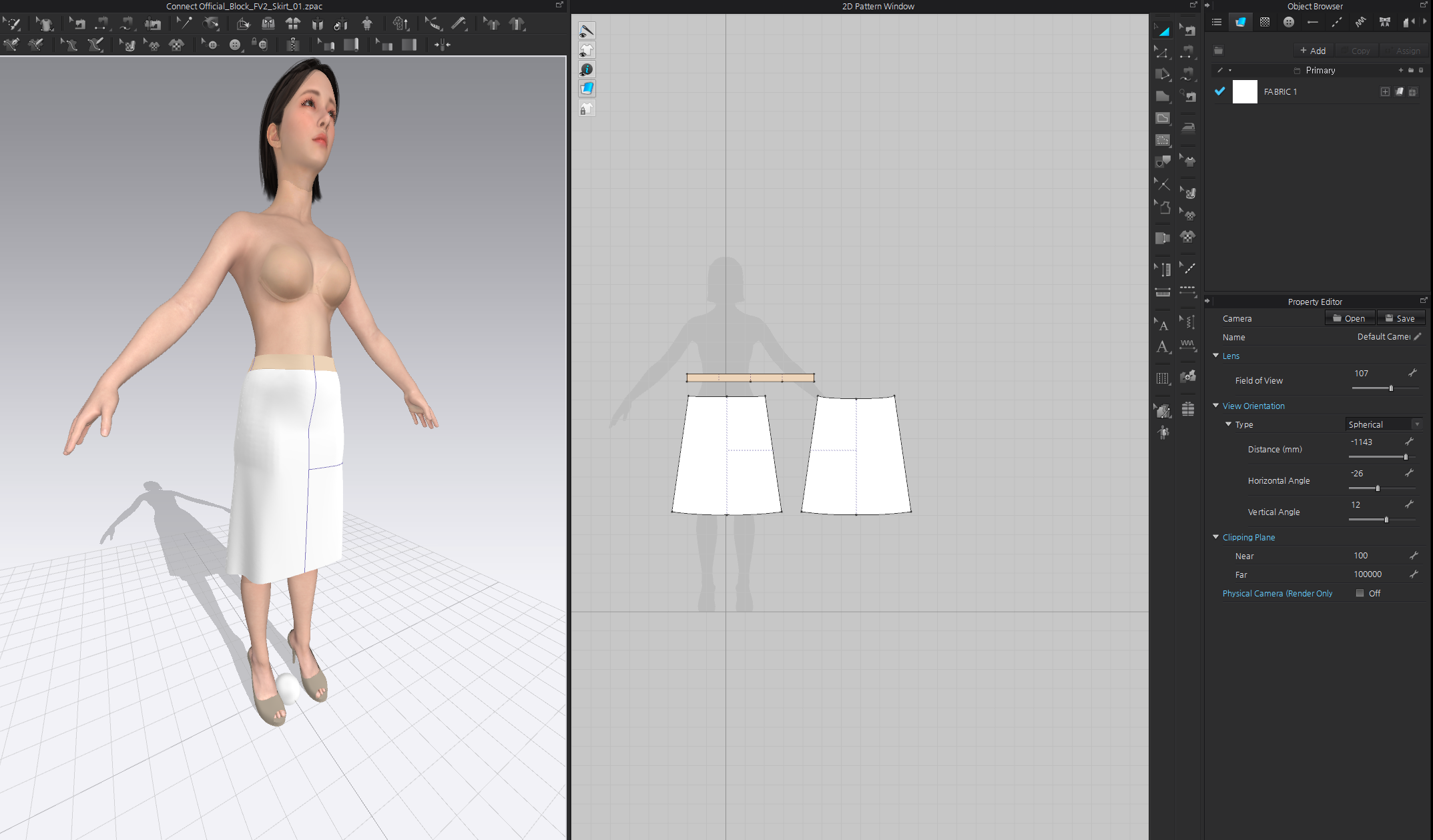
do you know how to reset the camera angle like before?

and also,
do you know why the lighting is different when it's "3d view" and "rendering view"?
seems like the left 3d view has one more light and not the rendering view.
a detailed answer is always welcome, thanks!
-
Hi gichrislee
For the camera angle it looks like you have changed the Field of View. You will want to return it to the default of 15. This will remove the "fish eye effect"
The lighting in the 3D window is just a preview standard light. The lighting for the render window is completely separate from the 3D window. Lights that you add for your render like an HDRI you will not see reflected in he 3D window
0 -
holy it worked, thank you!
0
Comentarios