puffy jackets and pressure

Hi guys,
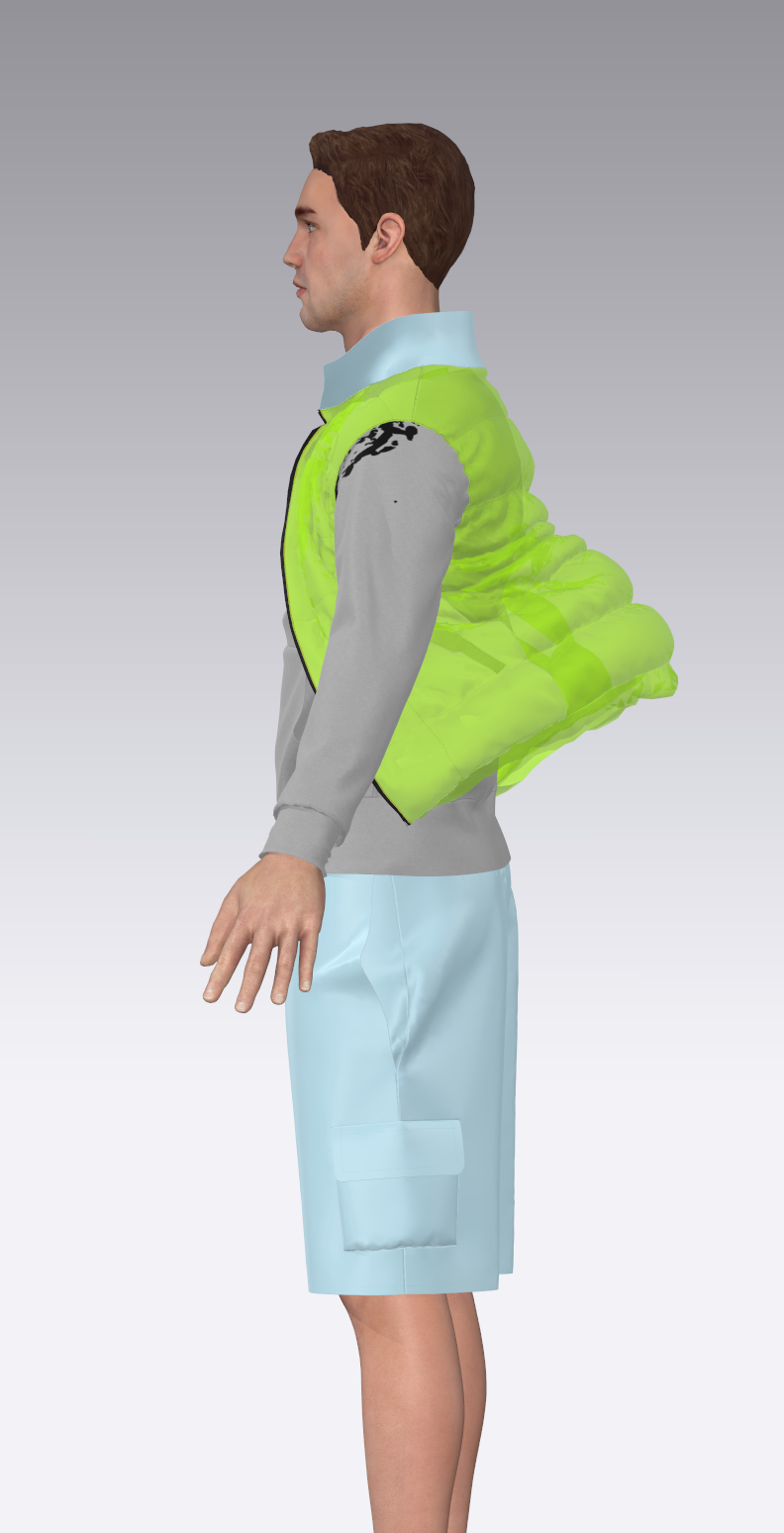
how do i solve this issue when I open a puffy jacket where I input pressure?
Until closed is fine but I want to render it open.
Thanks in advance for your help!
0
-
Official comment
academy3d Pressure works best when you use two layers.
- Create Layer Clone Under (Select Pattern Pieces, Right Click select Layer Clone Under.)
- Add Pressure; Positive Pressure to outer layer, Negative Pressure on inner layer.
Comments