Grouping and resizing

Hi Hi
I have imported from AI file some layers into CLO 6.2. In CLO I grouped these layers.
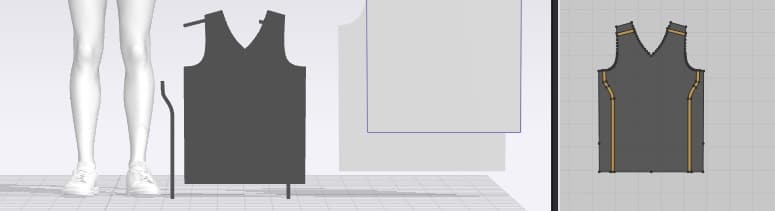
In 2D window I hold down SHIFT key and resized the group of objects. In 2D window everything is shrinked together. But in 3D the layers are still not grouped, and some of the layers are shrinked, while some aren't. Or are they all been shrinked, just that they aren't grouped properly?
Please see screen attachment.
What can I do?
-
Hi bitepahk,
The layers are grouped but if you want to see the same layout as the 2D window you can go to the 'reset 2D arrangement' in your tool bar in the 3D window:
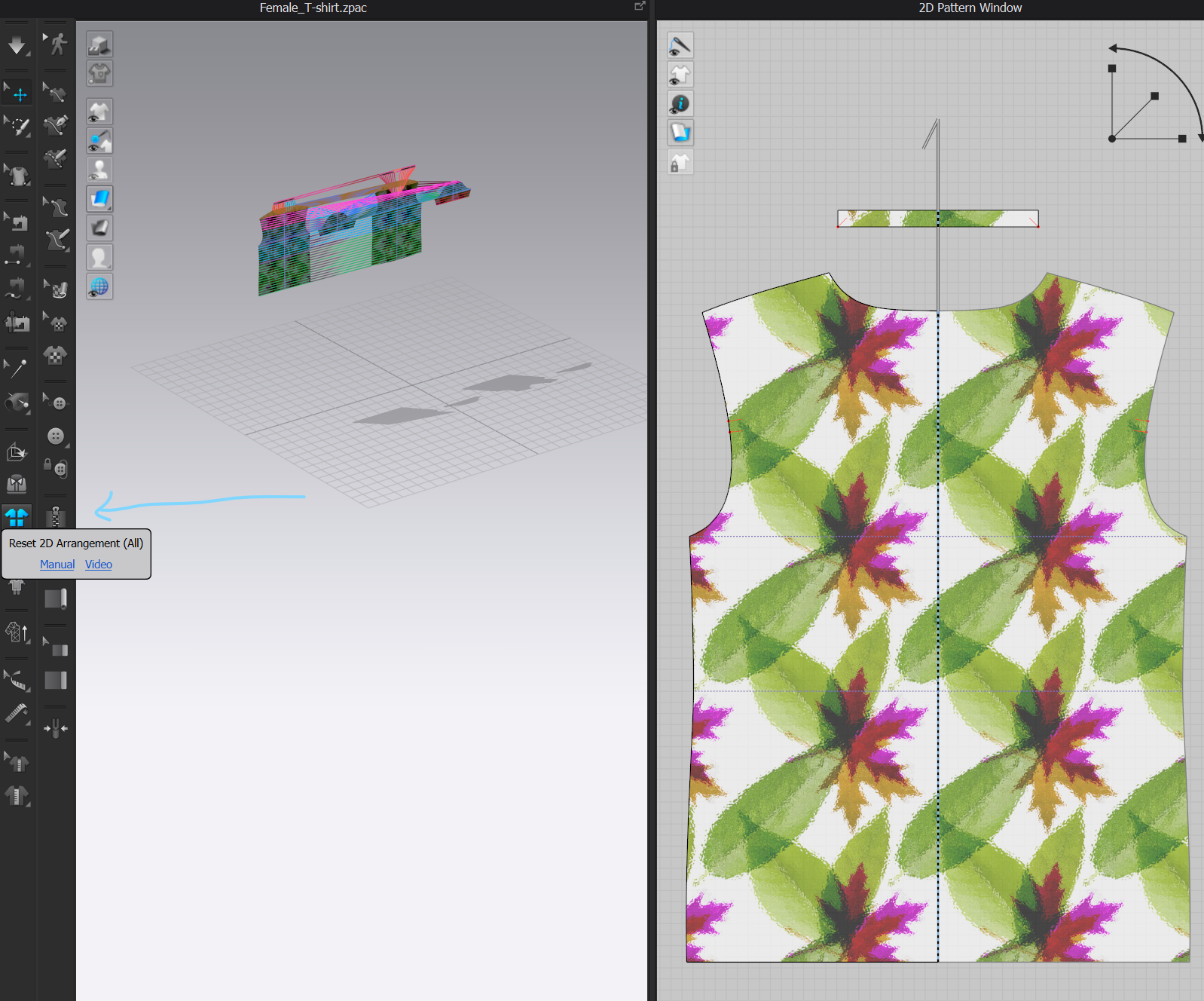
Another point is that the group fonction is only working to move patterns together in the 2D window. If you change the size in 2D of your group it will appear disconnected in 3D but it has been changed.
I hope this helps!
0 -
Great! Now I understand a bit better how CLO3D works.
As I have path/line patterns like this created in AI, I guess if I proceed with my existing AI file I'll also need to sew the patterns into my basketball jersey too?
Or is this not the best practice for sports jersey with lines/pattern? I have watch quite a few videos from various sources; some people use an overlay with the desired patterns onto a plain model/avatar. This works fine for most purposes, but we need something more...
***
At the end of building process in CLO we need to export the model as gITF or GLB, import it in a web browser, and be able to click on a web button then update the colour in the jersey's various area (which should be handled in CLO I think), change the number and name with another font and colour (with I don't think can be handled in CLO).
***
I'm sure most of our requirements would be fulfilled with CLO. Would you be kind enough to let me know the general methodology to use for our models? It would be best if you can point me to specific videos for certain steps.
Much appreciated! Looking forward to your reply! :-)
0 -
Hi bitepahk ,
You can follow the classic process with this jersey: import, arrange 2D window, arrange in 3D(with arrangement points), sew the jersey together, simulate, add fabrics and do your colorways with the different variations.
You can find our beginner's guide here.
A hoodie worflow that follows the generic steps.
A video about the colorway mode.
I hope this helps!
0 -
Great!
I learn a new thing, the "colorway"!
Thanks!
0
Comments