Square outline in pattern piece

Hello, I'm really new to CLO, and come across an issue which I don't understand and cannot solve by myself.
I have prepared 2 pattern pieces in AI. Both have the same layer structure.
However, one of the pieces has a square outline after importing it in CLO.
I don't know how to remove the outline.
Is this a bug, or is there a way to remove the square outline?
Some pointers is much appreciated.
-
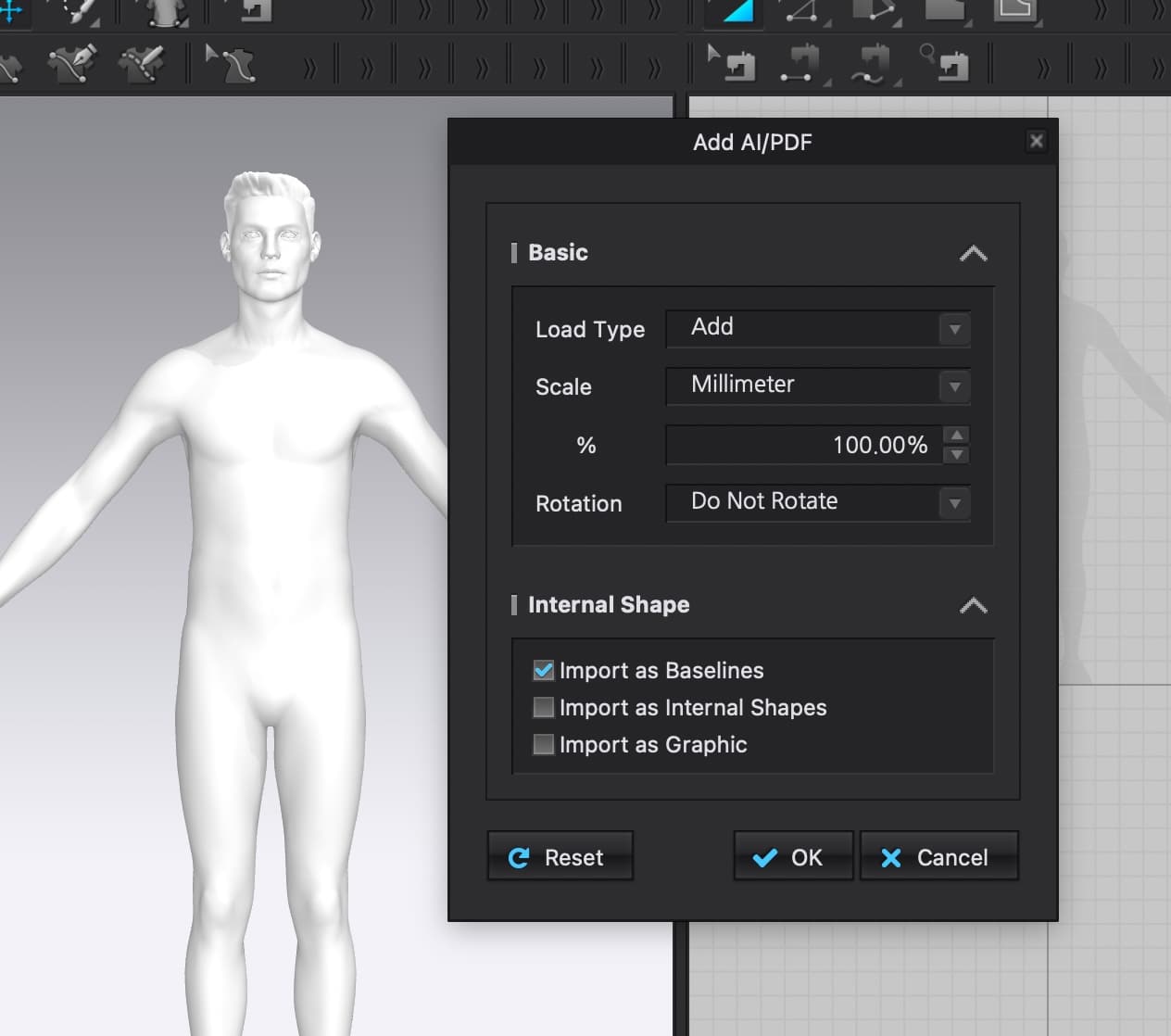
Hi i_am_bitepa. Welcome to CLO!!! Could you please add a screenshot of the 2D window where you see the outline and also your import setting from Ai for us to look at? This would help us to better know what is going on.
0 -
Here it is.

 0
0 -
Hi i_am_bitepa. Thank you for adding so quickly!
This usually happens when the shape in Ai is not closed. If you go back and check in Ai and close the shape it should import like the rest of your pattern pieces.
Another option if you do not want to open Ai is to use the Trace tool > R-Click on the Purple Base lines of the back Jersey pattern > Choose Trace as Pattern
 0
0
Comments