Quality Render is Dark

I use Quality Render to quickly preview my garment, but all the sudden the Quality Render always appear dark. Below is screenshot of Quality Render turned off and on. I can't seem to find the setting to fix it. Anyone else have similar experience? Restarted the app and it's still there. When I open the file on another computer, it doesn't have the same problem so it is not a problem with the file.
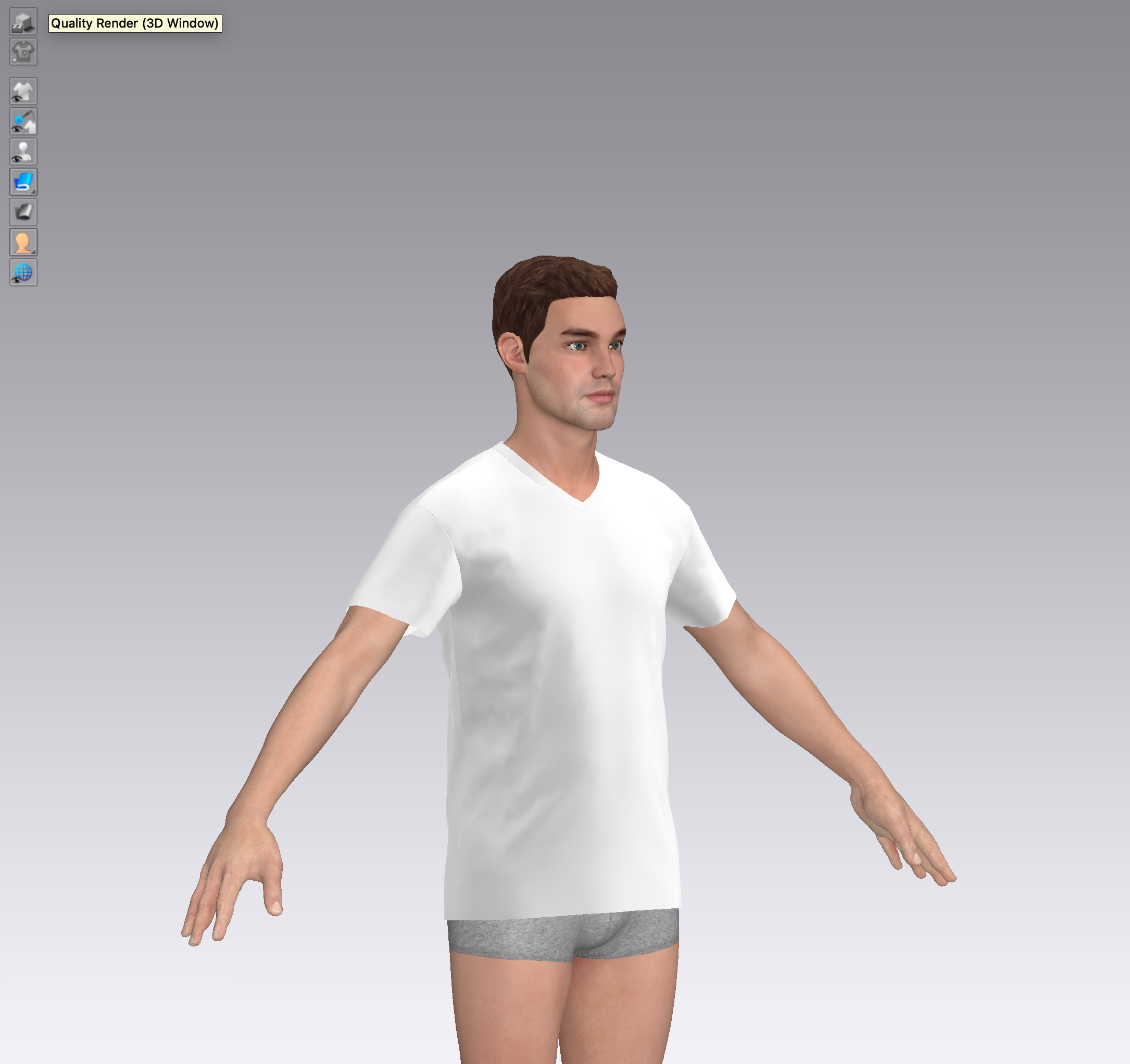
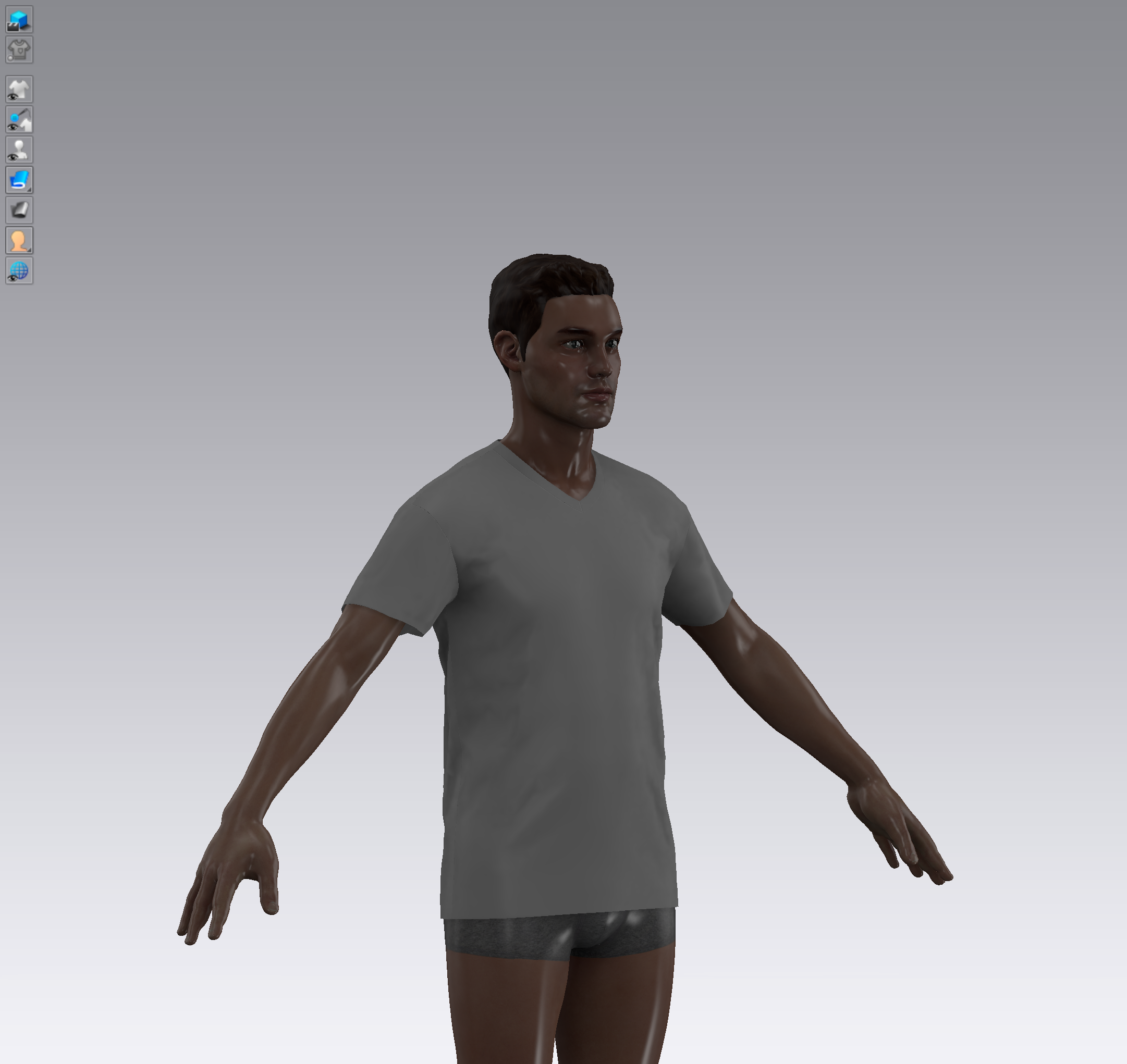
-
Hi Matthew Luu ,
You can turn on the 3D light setting in 3D window > select the light in sphere shape > Adjust its light intensity to 1 (CLO default setting). Then everything will be fine.
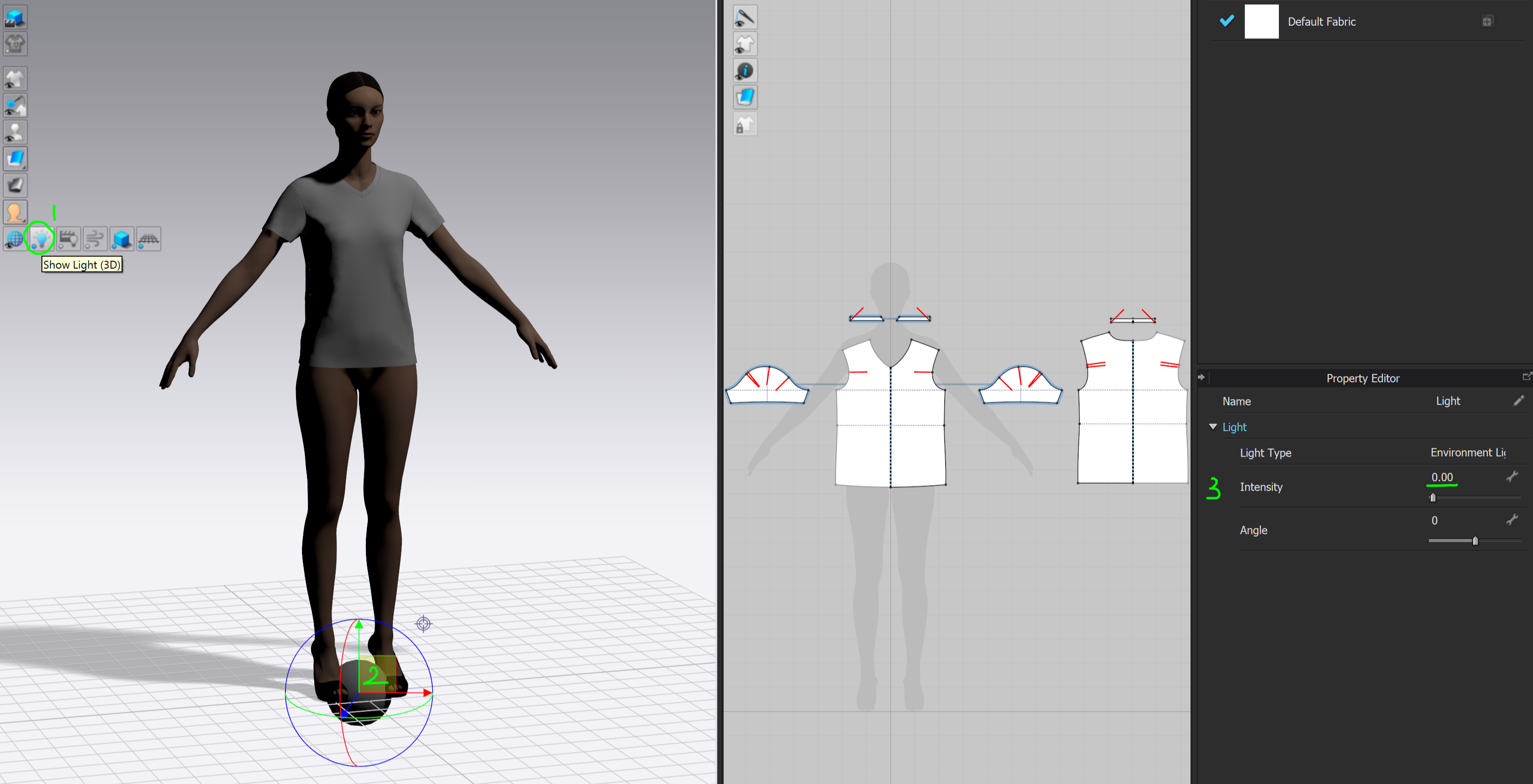 0
0 -
The intensity is already set to 1.00. I'm running on a M1 Macbook and I never had this problem before.
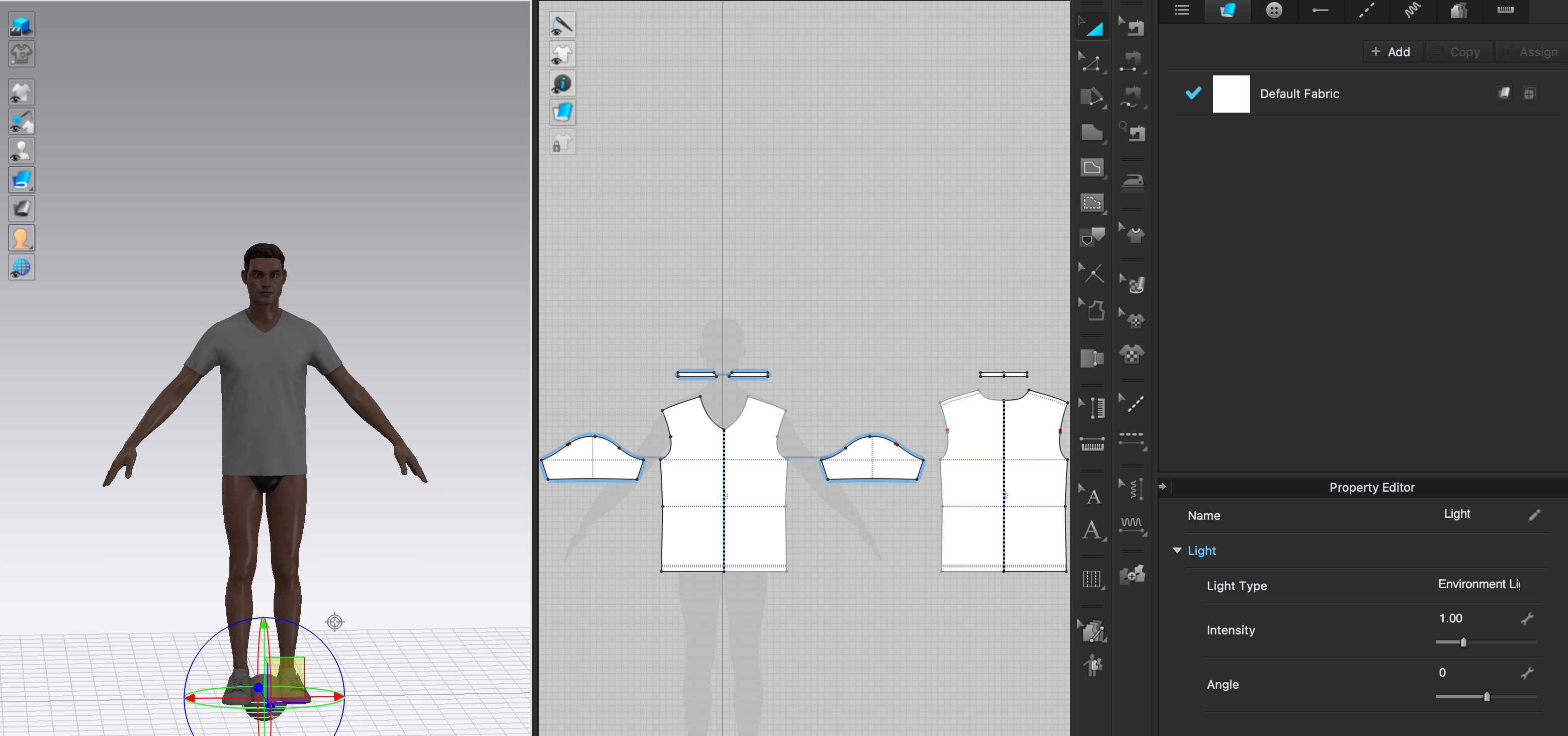 0
0 -
For this situation, please double-check the CLO installation folder is located on the original path.
If you moved the CLO folder to another path after the installation. It may cause the disconnection of the preset HDRI file with CLO and lead to the dark shadow issue. The problem can be solved after re-installed CLO.
0 -
CLO installation folder is correct. Reinstalling didn’t fix the issue.
0 -
Please check with below path if the folder includes the lightings (1) Studio_LowContrast & (2) StudioLight_Gray. If not, please uninstall CLO > Install CLO again.
C:\Program Files\CLO Network OnlineAuth\Preset\Render\HDRI
0 -
Both those lightings are in the folder.
0 -
Hi Matthew. We are checking this issue. Would you mind sharing your computer spec. details, like the computer system (Win/ Mac)/ Graphics Card / which CLO version you are using?
0 -
matthew We did some tests and found that the solution is to make sure there are no other CLO versions installed on the computer in question. Please completely uninstall all other CLOs on their hard drive, then reinstall CLO 6.1 again. Hope this can help.
0 -
I tried the solution above but still have the same issue. I am using Macbook Air M1 16GB.
0
Comments