Library download is not working.

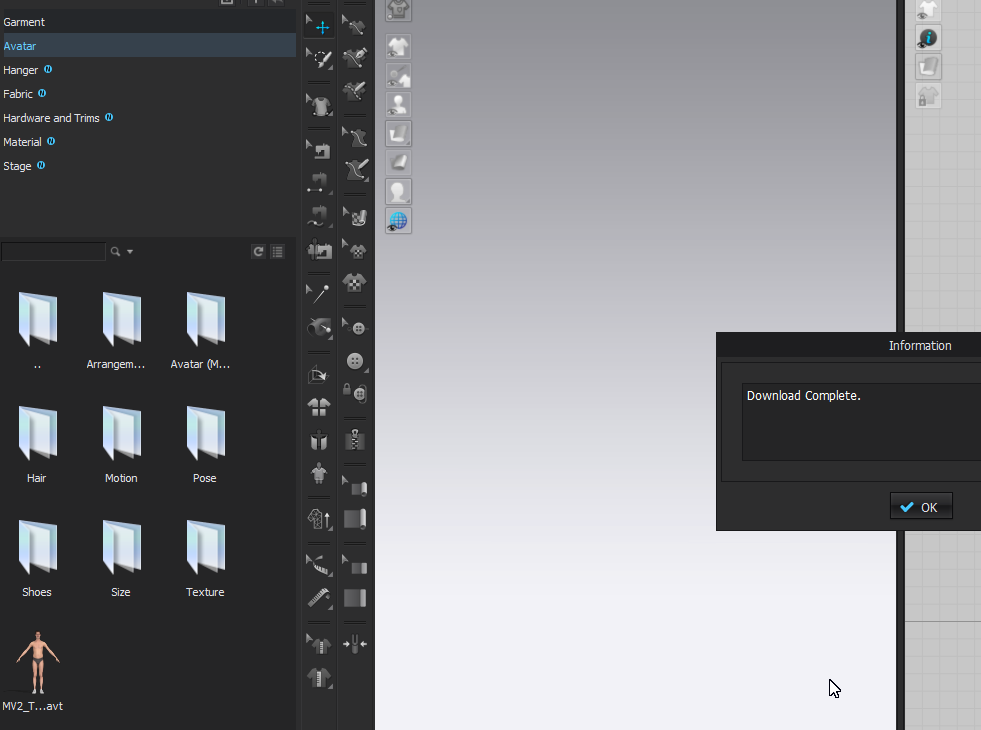
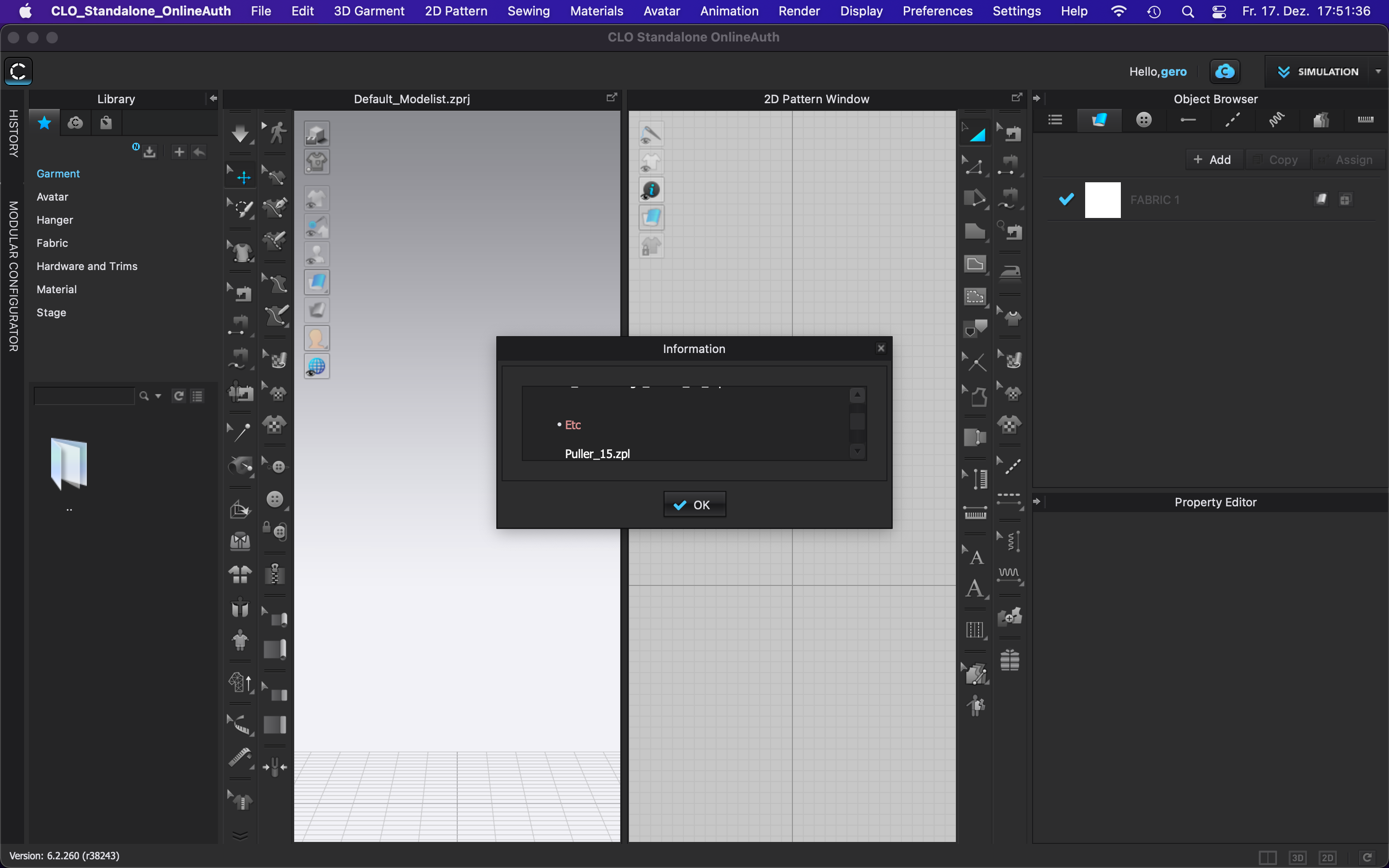
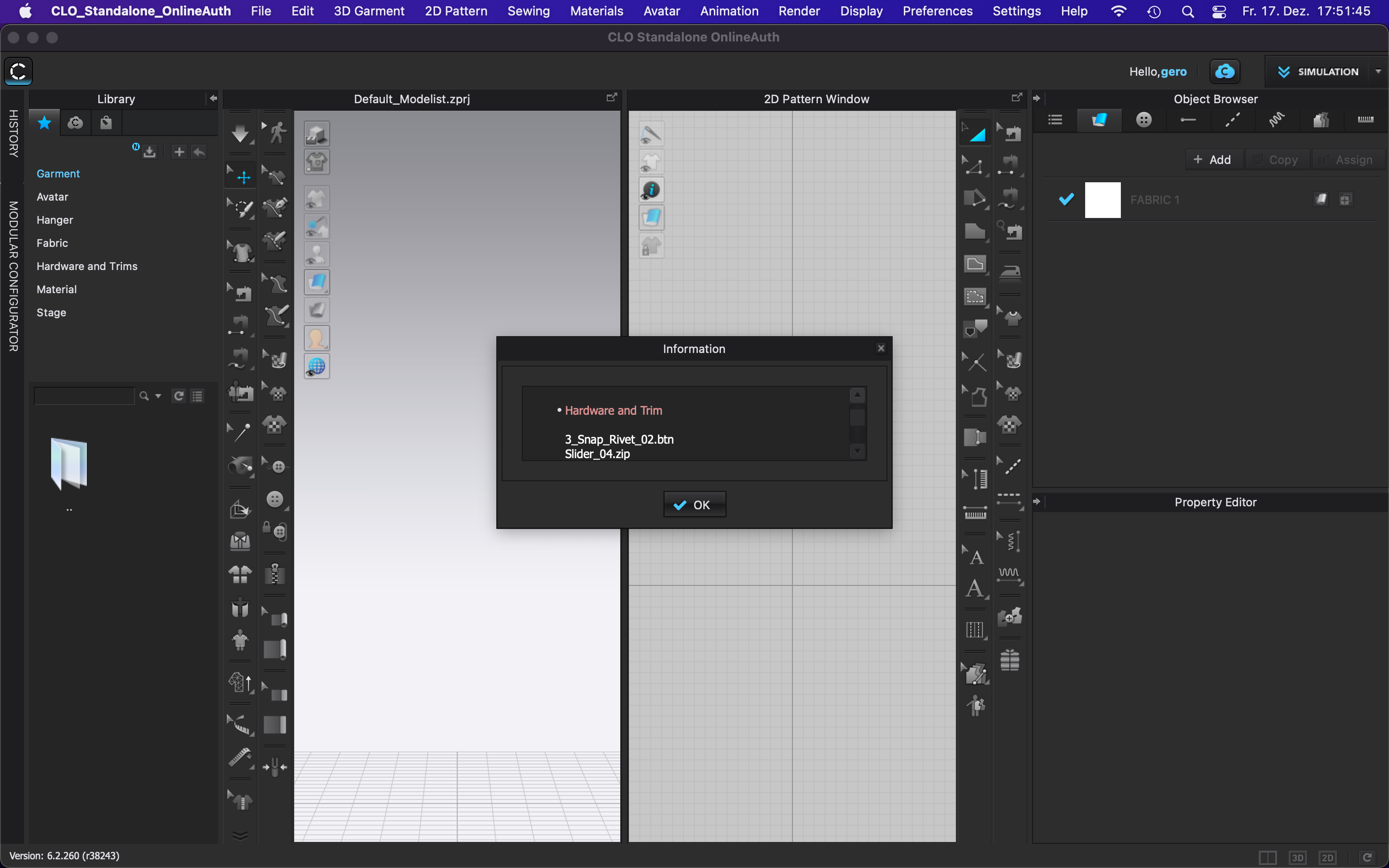
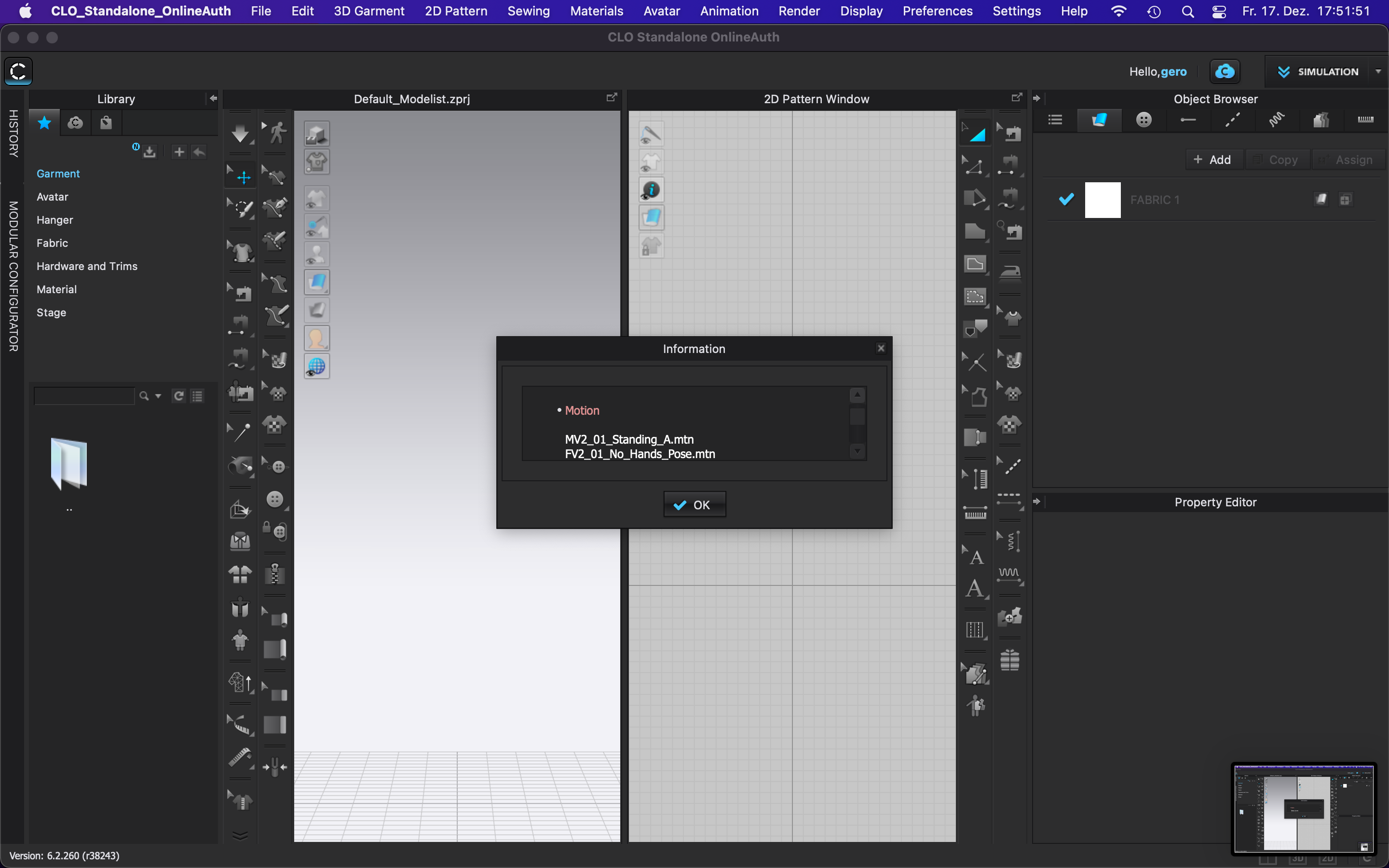
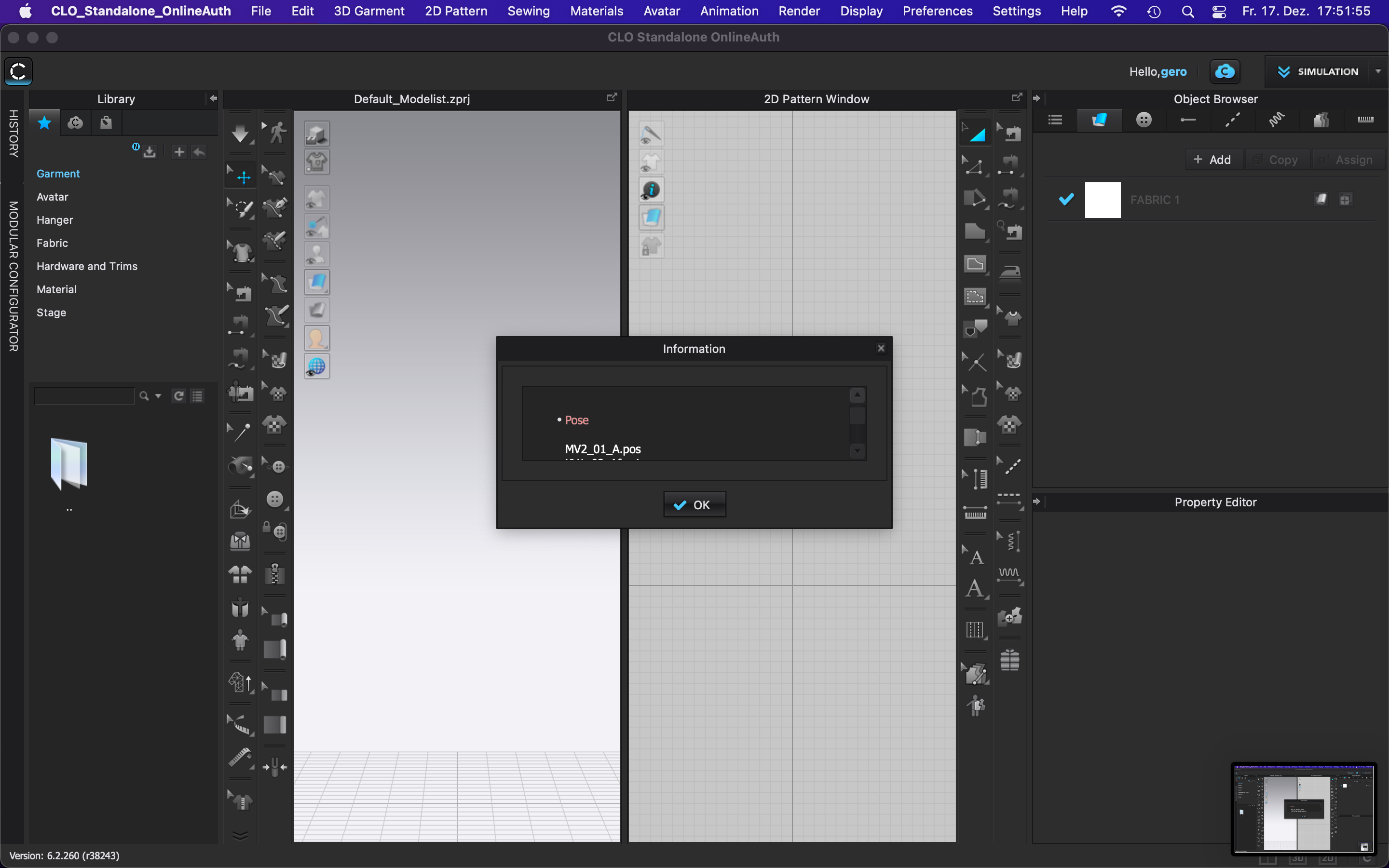
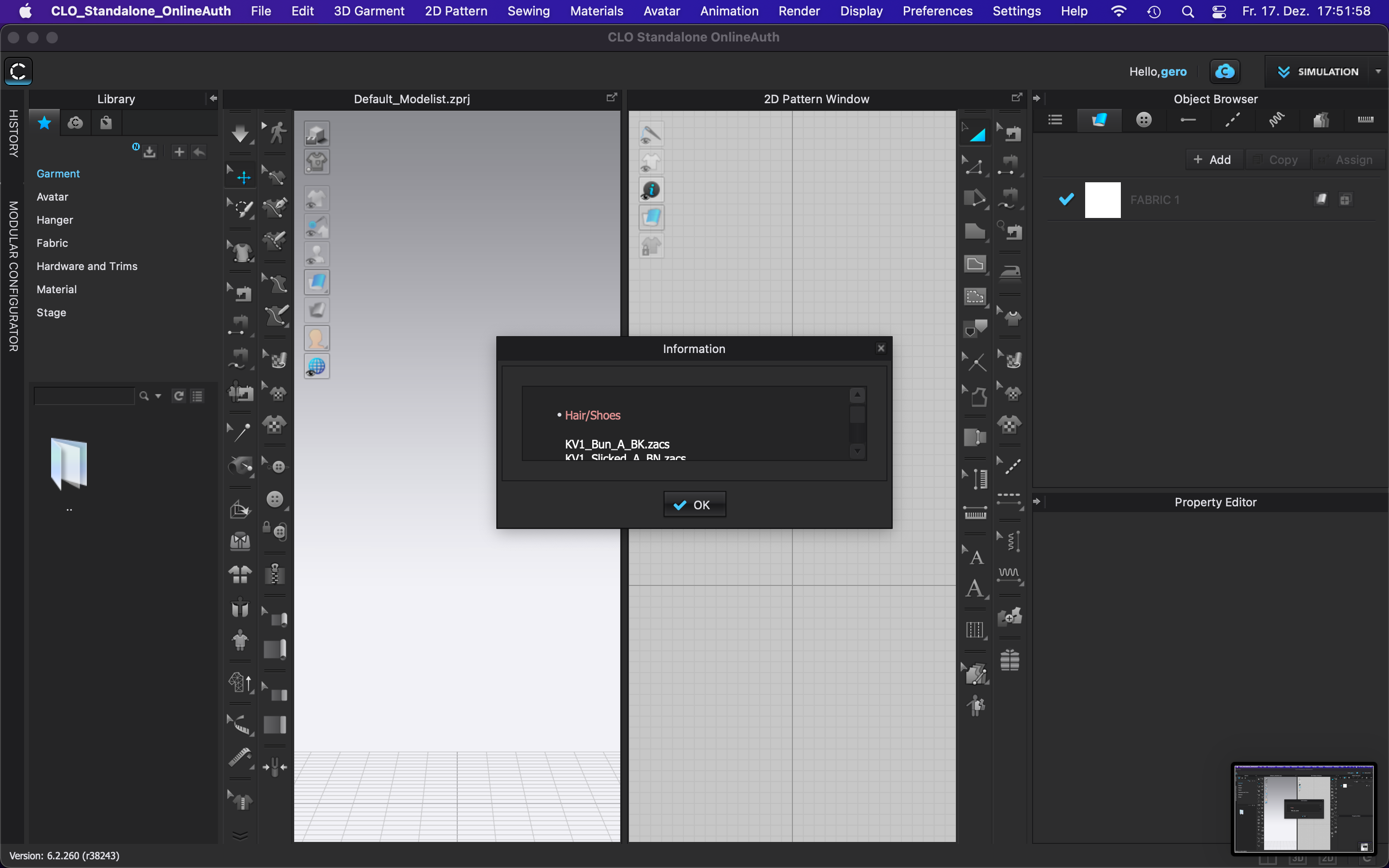
Can somebody help. I tried to update the library and it is not downloading anything. Even it says Download complete. I already turn off the firewall and also allowed the inbound and outbound rules of it. After clicking the download...... everything is still the same. :(
-
Dear CLO Team,
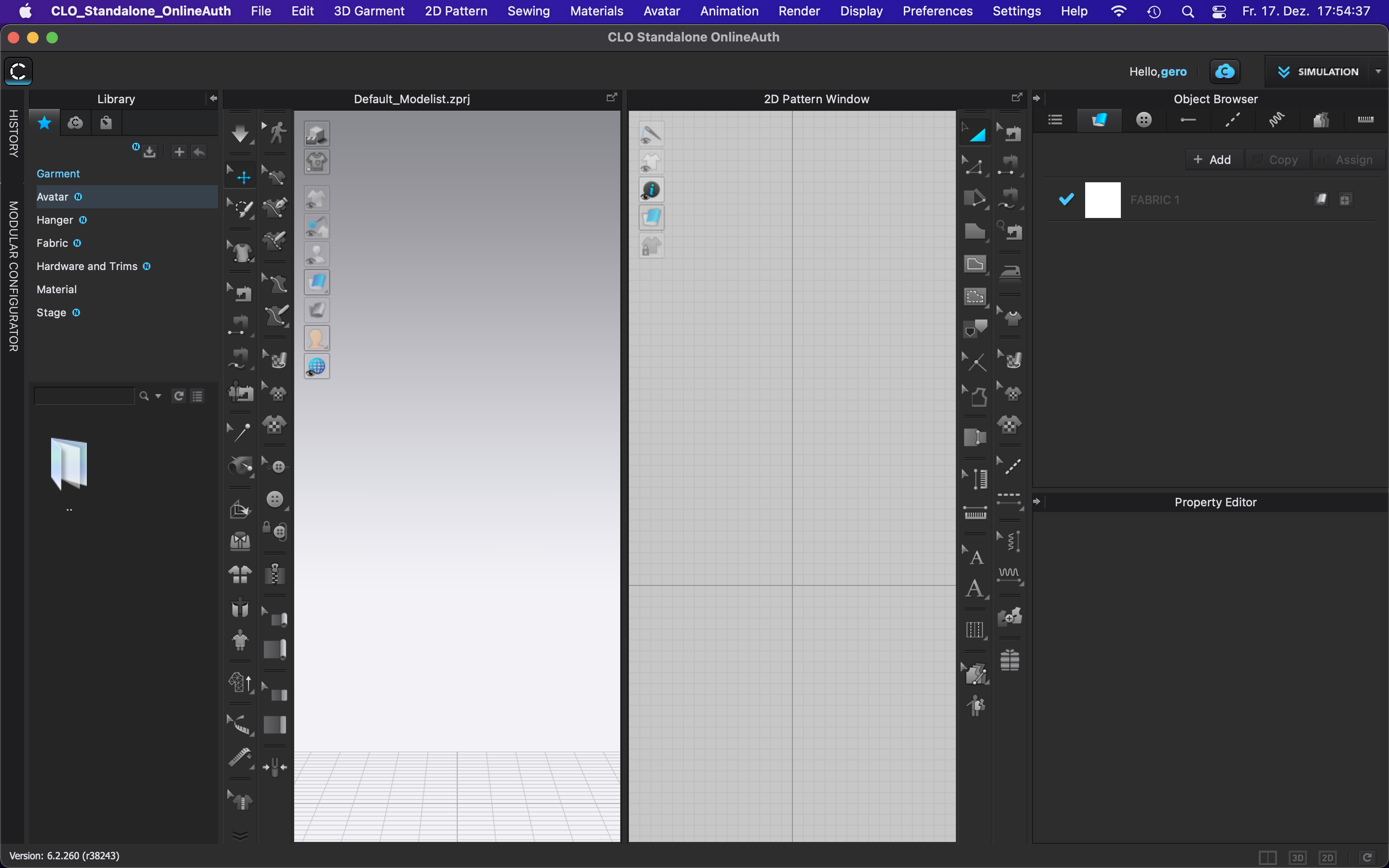
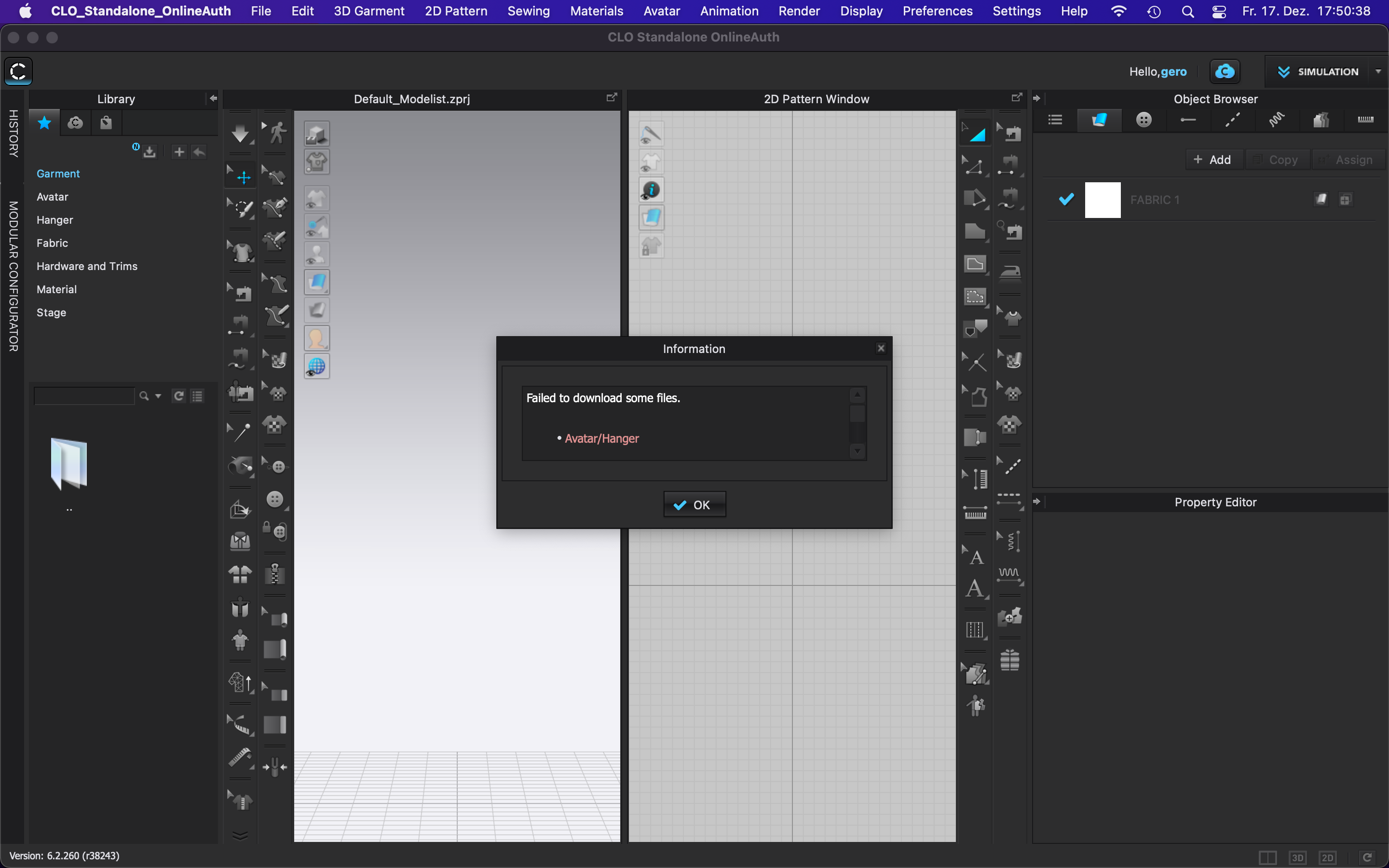
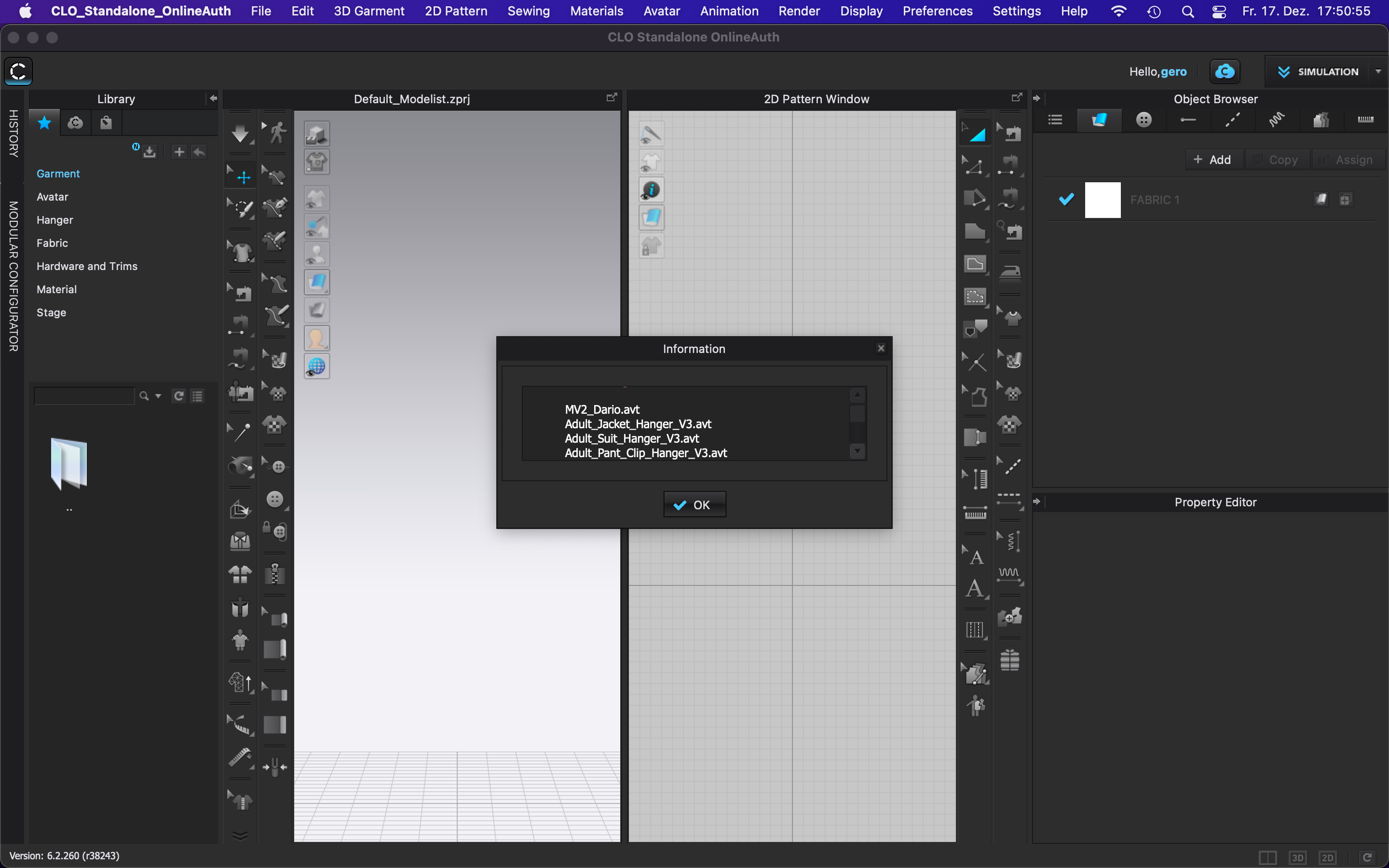
I'm having the same issue like wjavier, a not working download in the library. Switched off the firewall as well, but no effect.
Using a MacBook Pro (13", 2016), 3,1 GHz Dual-Core Intel Core i5, 16 GB 2133 MHz LPDDR3, Intel Iris Graphics 550 1536 MB.
CLO 3d Trial Version: 6.2.260Please help!
Thank you.

 0
0 -
Hello,
I have exactly the same problem. I have tried to solve it contacting CLO support team but I was not able to solve the problem.
Thanks,
Anne
0 -
Hi Anne,
now I solved it.
The CLO-Team described this issue in another post. How they said, and like in my case, old CLO-library files on the mac, from the older CLO3d-Version (like CLO 6.0), will block the download of the new library files. Before you install the newest CLO3d, all (ALL!) CLO3d files of the app must be deleted from the disk.
Solution (on Mac):
- Deinstall/remove CLO3d
- type "CLO" in the search bar inside Finder
- than delete all CLO files left (.avs, .zvt, .zpac, .zprj, folder "clo", folder "CLO_Kid_6-18m, folder "CLO_Maternity)
- if there are no "CLO"-files left, reinstall the newest CLO3d-Version (higher than 6.0)
- in my case it helped instantly
Greets
0
Comments