fabric holes

Hello
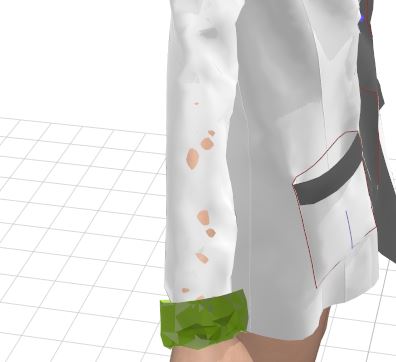
I switched several times the simulation type and after what got the holes into the fabric. But mesh looks good.
Why it happened and how to fix it. 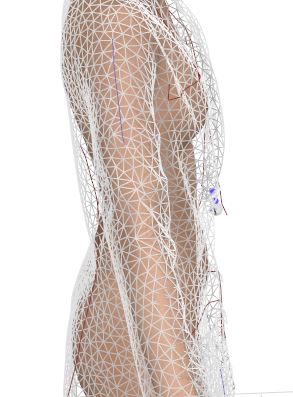
0
-
First, go to Thick Textured View with Alt+1 or Option+1 on the mac.
Then, reduce the particle distance to 5 mm. Let it simulate.
P
0 -
Hi
I got it, it worked. Thank you for advice. But, do you know why it happens, does it a collision bug? Or need to change Skin offset parameter. I use to work with default parameter "0".
Alex
0
Comments