ACO File Import issues

Import Color Palettes of costumers will jam: ACO FILE
below you see what we are facing.
When we import this ACO File, it looks like it work perfectly. See picture below for more info
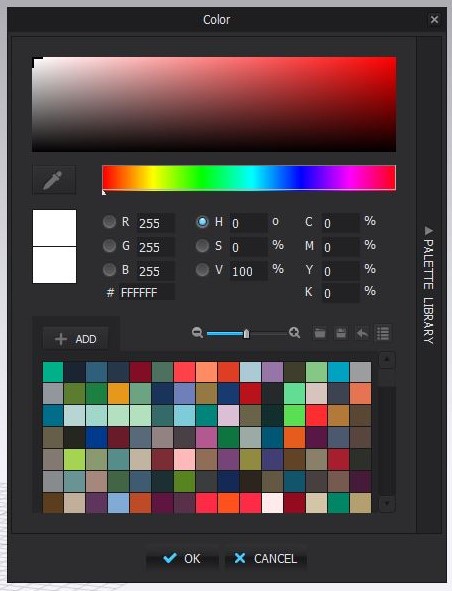
When we want to change the colors, appears this Information window.
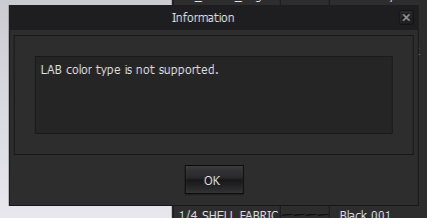
After that It will kick me out of the software. When we try to change any colors this window will show up.
Kick us out CLO. Time after time. We tried this already on 4 other PC's.
When we delete de ACO File in the folders of CLO, I can changes colors again.
But I can't use the ACO file of my costumer.
Can you please help me!
Best,
Bram Siebers
3D Product Developer @ The Fabricant
0
Comments