How to pan

My pan function has been disabled, and every time I click my middle button to pan I instead zoom in.
Is there a setting to switch this back to normal?
Thanks!
0
-
Hi @warrencherry!
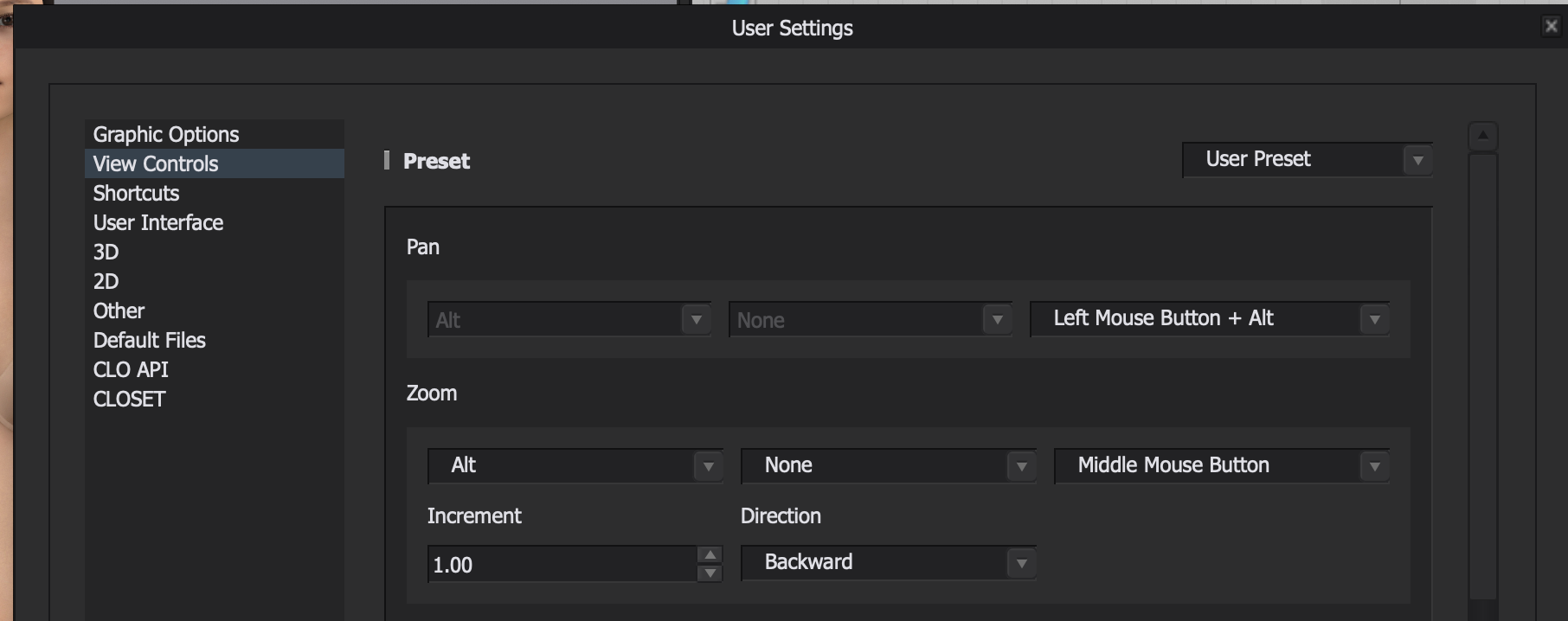
Navigate to Settings > User Settings, then follow the screenshot below. If it's still not panning, let us know!

Thanks!
Amy2 -
no. you need to set your zoom to Middle mouse button
and your Pan to Left Mouse Button + Alt - for Mac users this means the Options key.
0 -
 0
0
Comments