Digital print poor quality

Hi there!
-
Hi contact
I have also seen your ticket sent through our Contact Us page So I was able to take a look at the image files. Now our tech team will be able to give a better technical answer. But I will do my best below.
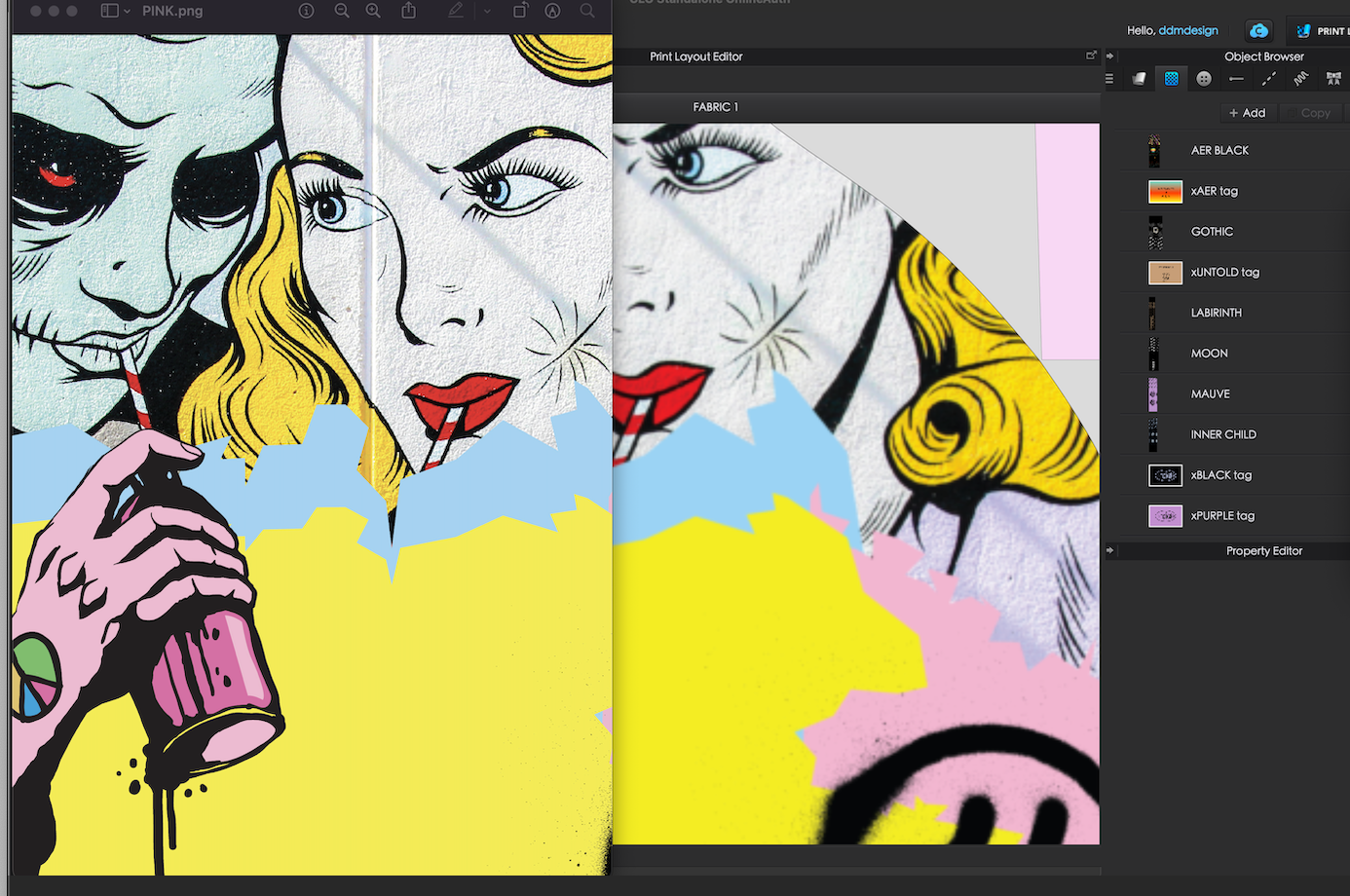
The first thing I noticed is that the Graphics you are applying are VERY large and while people tend to think larger is better for images that is not true. The image you have shown above (PINK) is so large that CLO needs to compress the image for the 3D preview. You will then notice if you go to the Render window the graphic is much clearer. The pixel size of this image is11161 by 33319 and 134MB(most prints and graphics only need to by 1 or less MB usually). For pixels It is also important to note that with pixels they should be even numbers and divisible by 2.
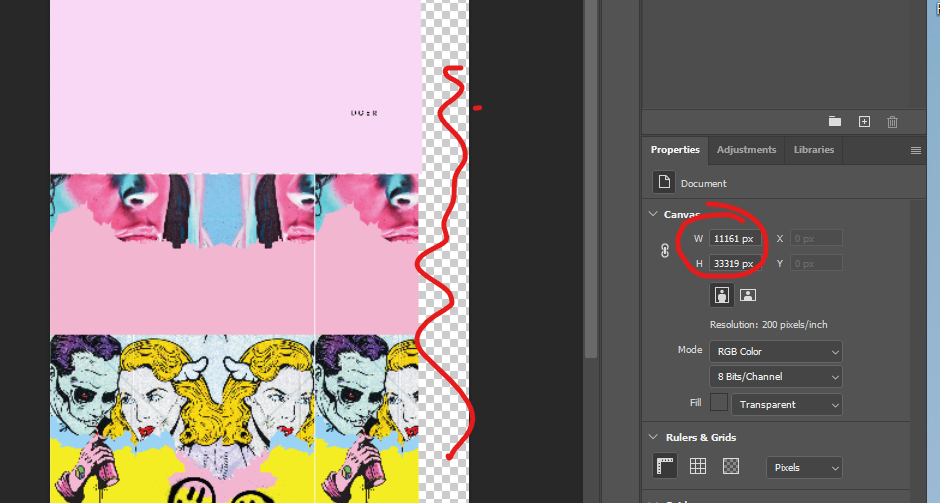

Also note that if you are applying an image as a graphic like you have done you want to make sure you are exporting the PNG with just what you need. Your original image for this one had lots of large yellow and pink boxes (i do not know if these are intended to be seen). But instead export what you need. Or if you are applying as a fabric texture you want it to be a clean JPEG repeat without gaps or edges of the artboard showing which would result in white spaces or areas that look like holes in the fabric
So I took the image and resized a smaller portion or the overall image. 3115 x 4096 pixels (not ideal, but quick) and exported the PNG image which was only 17MB (still very large, but manageable)
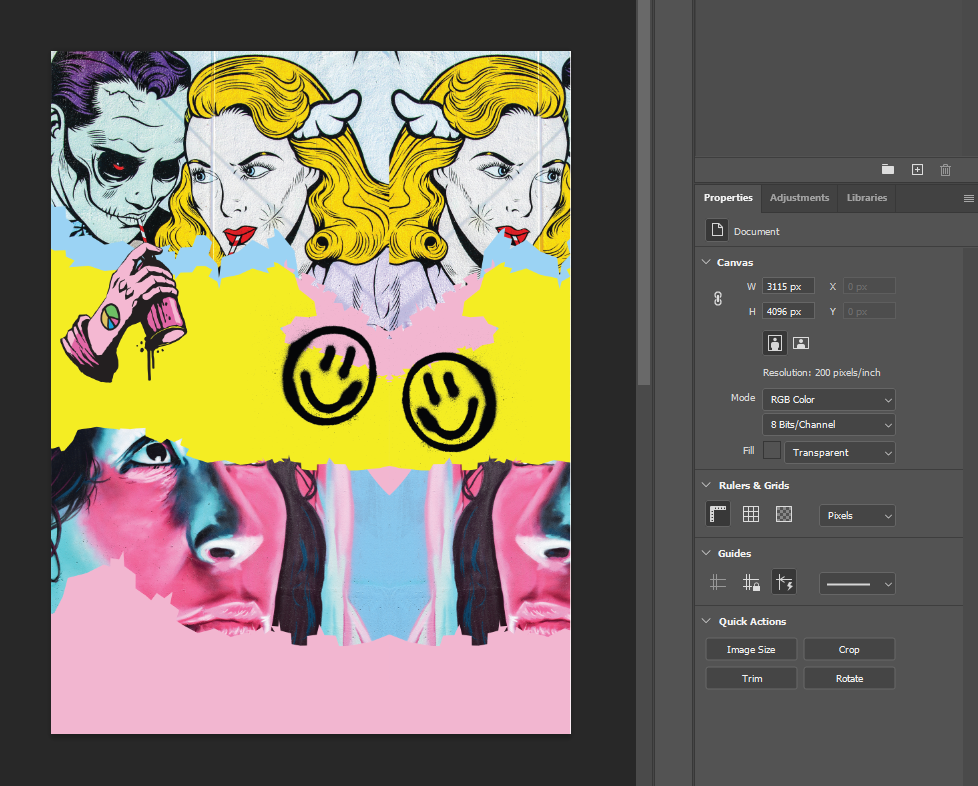
Once applied in CLO, CLO no longer needs to compress since the image is easier to handle so you will see that both the 3D preview and render look nice and clear
0 -
I hope you find this helpful.
I am also linking a few tutorials I found that talk about image size and pixels you may find useful
https://www.youtube.com/watch?v=aoDUMcknx9o
0 -
Thank you, but I am not sure that this is the problem. It also happens to .png files which are much smaller. For example, this version of print ''STATUE'' has 6.5MB and you can see the problem is still there. - I attach screenshot.
I have been working with prints in Clo for the past 3 years and this is the first time this happens. I have much bigger .tif files which worked. Unfortunately after some updates you are not able to export your patterns with prints as fabric texture in .pdf also. Now I have to apply them as graphic and take a screenshot and the quality is so bad. What might have happened?
Thanks!

----------------
UPDATE: i did not lower the image or the resolution, i cropped the big print panel in 3 different smaller prints and on screen seems ok. I will send to print on fabric and see if it looks ok.
 0
0 -
Hi contact
For size I do not think you understood me.
It is not so much about the actual file size. While that does play a part about speed. For example it too my computer nearly 3 minutes to open the ZPRJ file you sent due to it being over 700MB from the size of the graphic files.
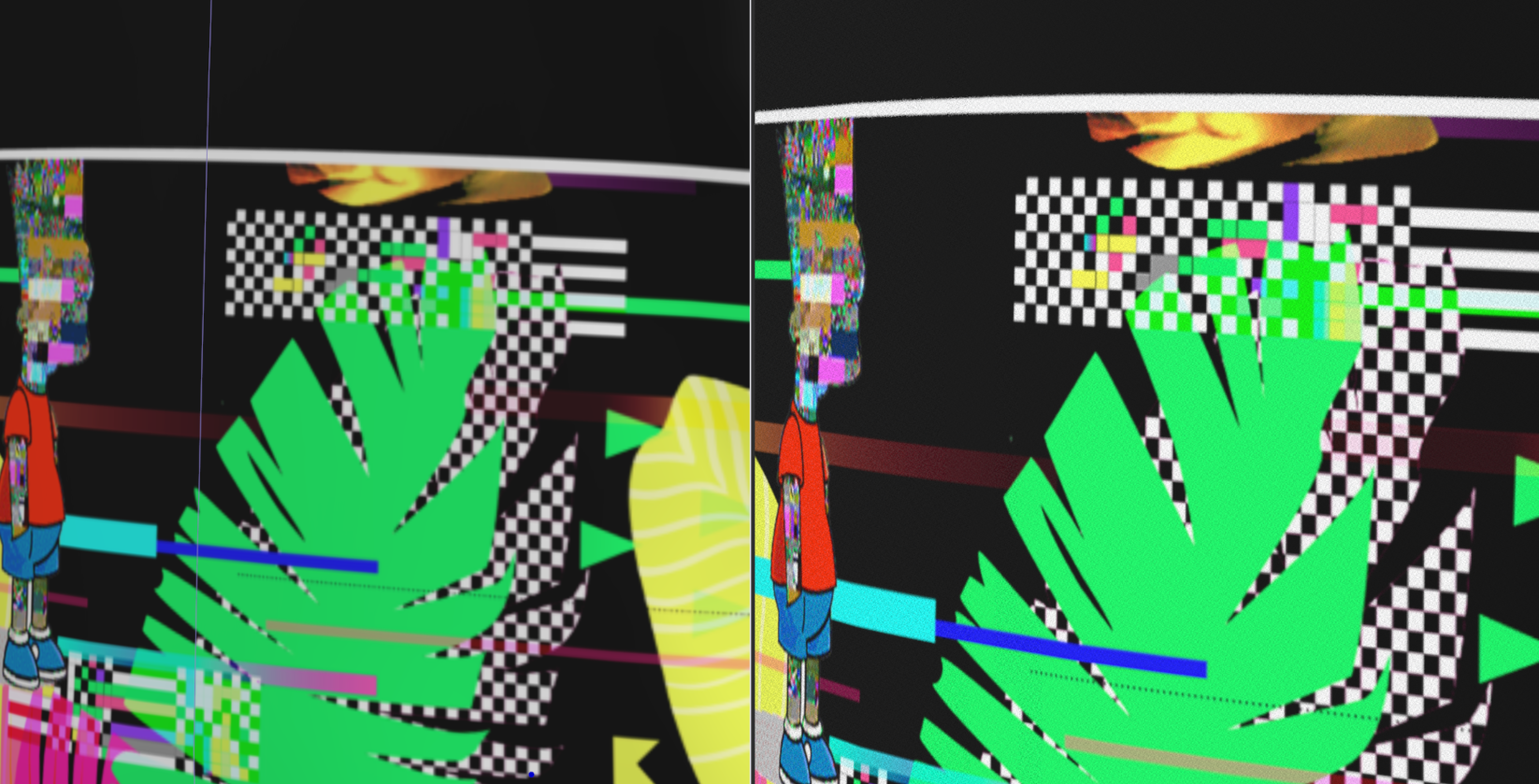
It is instead about the pixel dimension (this is the MOST important part) it is mentioned in those videos I also linked. The dimension of these files is too big and causes CLO to have to compress the preview in the 3D window. I did the same process as before again below with the statue file.
Here is yours as is. Left is the 3D window and Right is the Render Window. It does become clearer in Render, but it is again too large and CLO needs to compress it
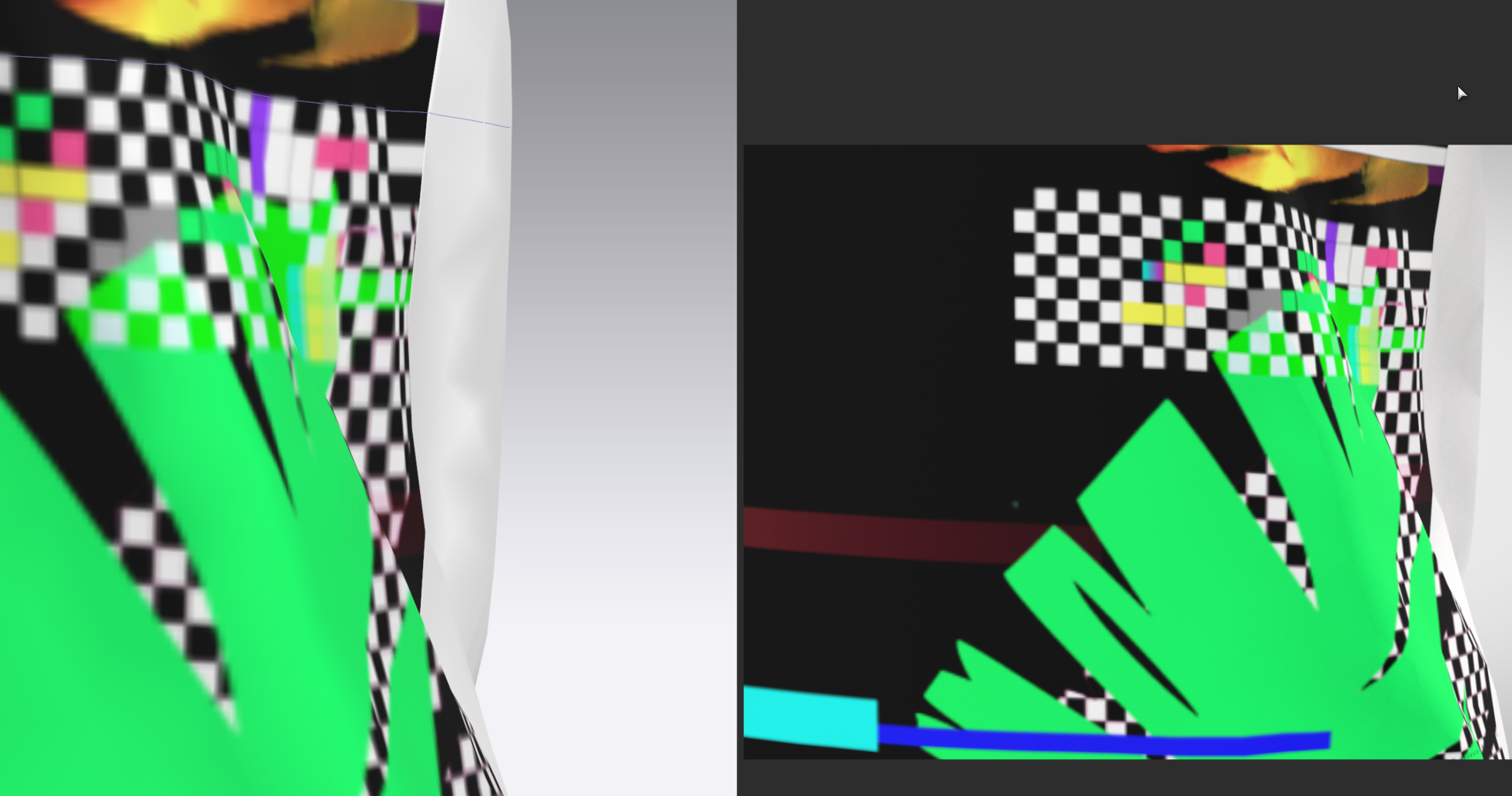
Now here is the one I edited in Photoshop and applied. I did not crop or edit in anyway Only adjusted the pixel dimensions in PS from 11425x33319 to 3000x8748
 0
0 -
But also hopefully out tech team can give you a more technical detailed answer. But as it is already the weekend for them you may need to wait till Monday
0
Comments