Can't change Basic size, due to an error Lines or points are too close

Hi
I'm trying to change the basic size in the grading panel, but appears this windows error:
"Lines or points are too close together. Please move the points further away from each other."
I have tried some features, just like delete all overlapping points, or moved the closest points.
As you can see in the picture, there' s no close points.
Does anybody help me?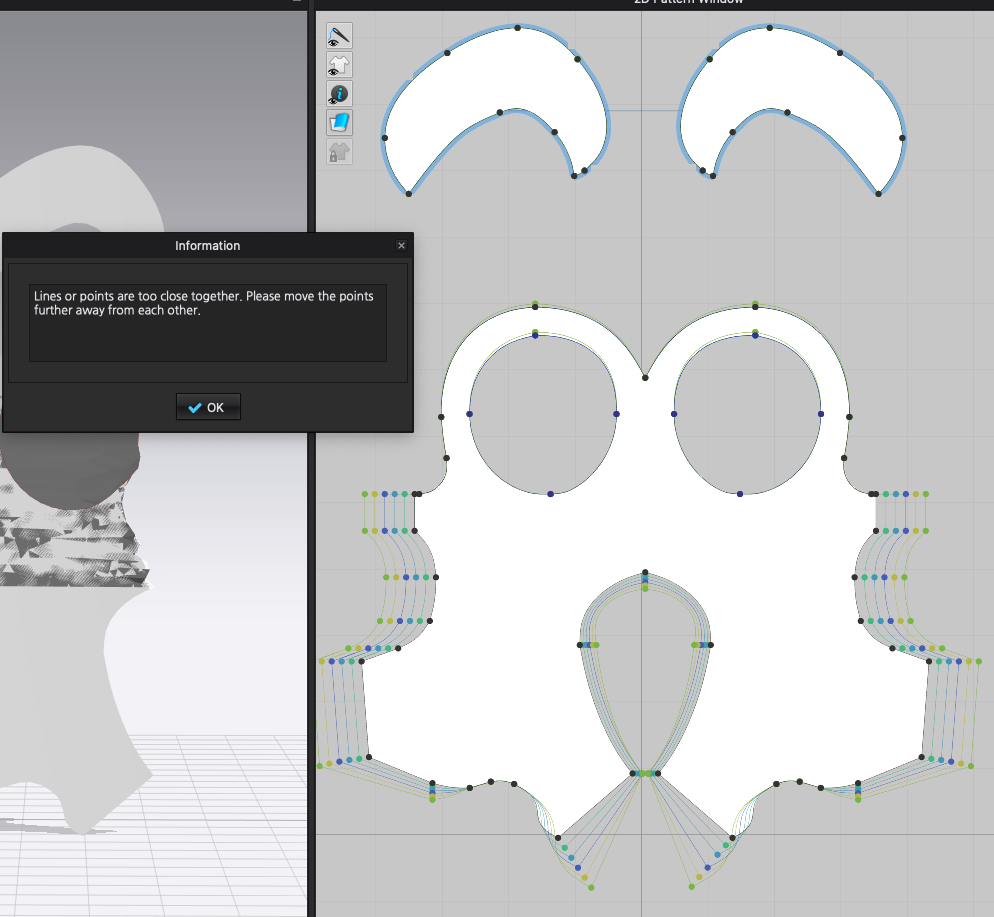
thanks
-
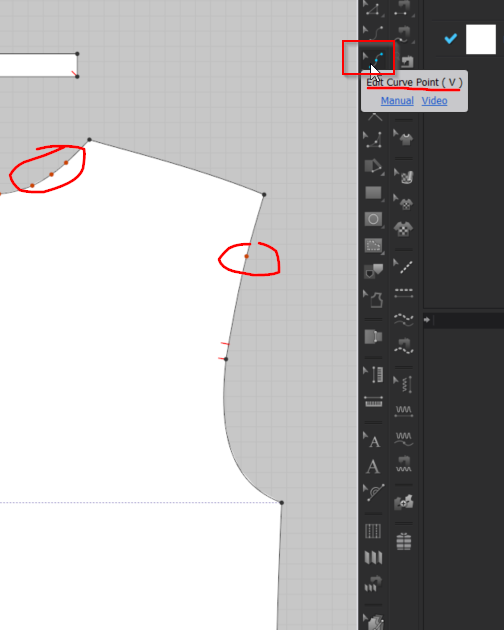
Hi. It is most likely that your Segment Points are fine but you may have Curve Points that are too close together. You can see Curve points by selecting the Edit Curve Points tool in the 2D tool bar
 0
0 -
I don't find close points.
I don't know how to figure it out
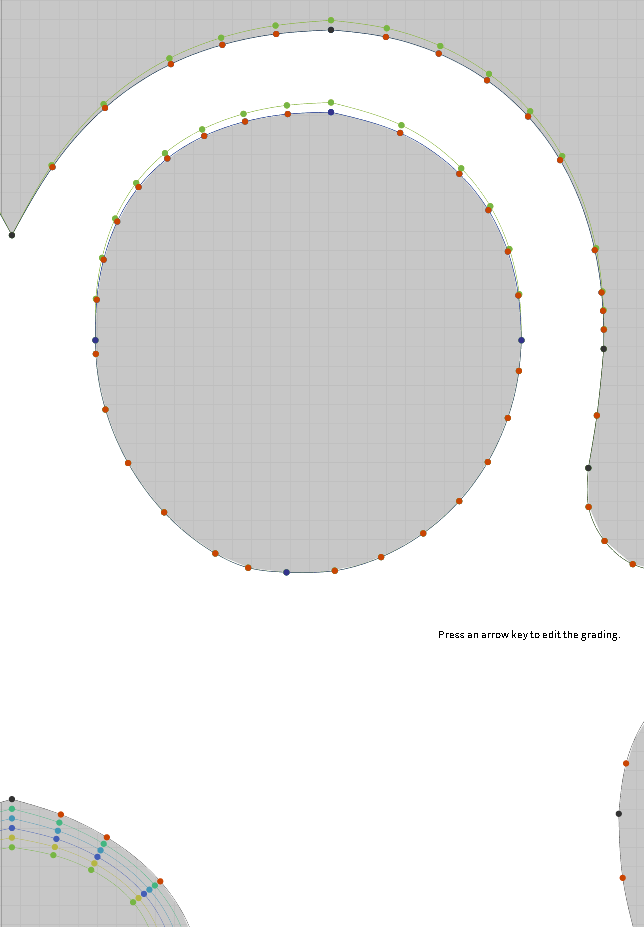
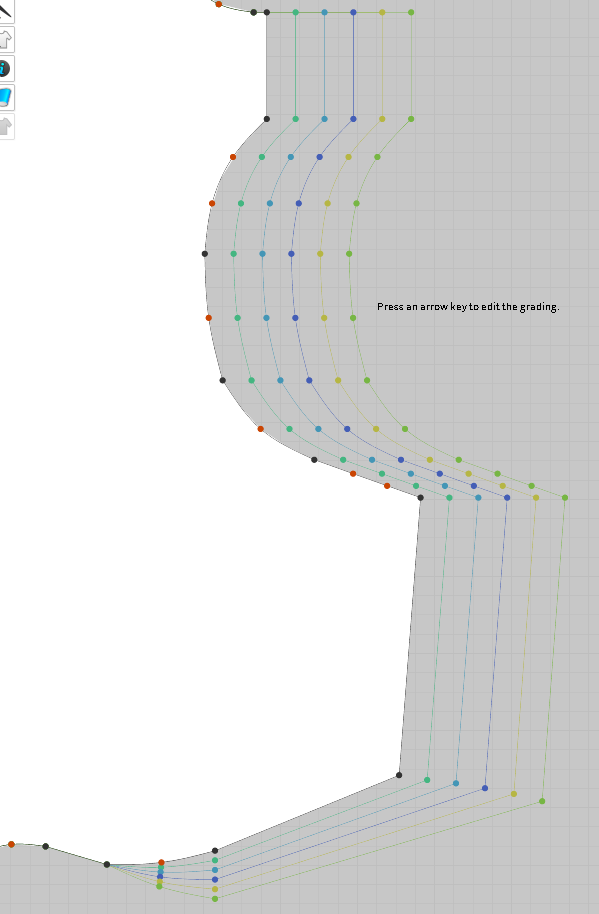
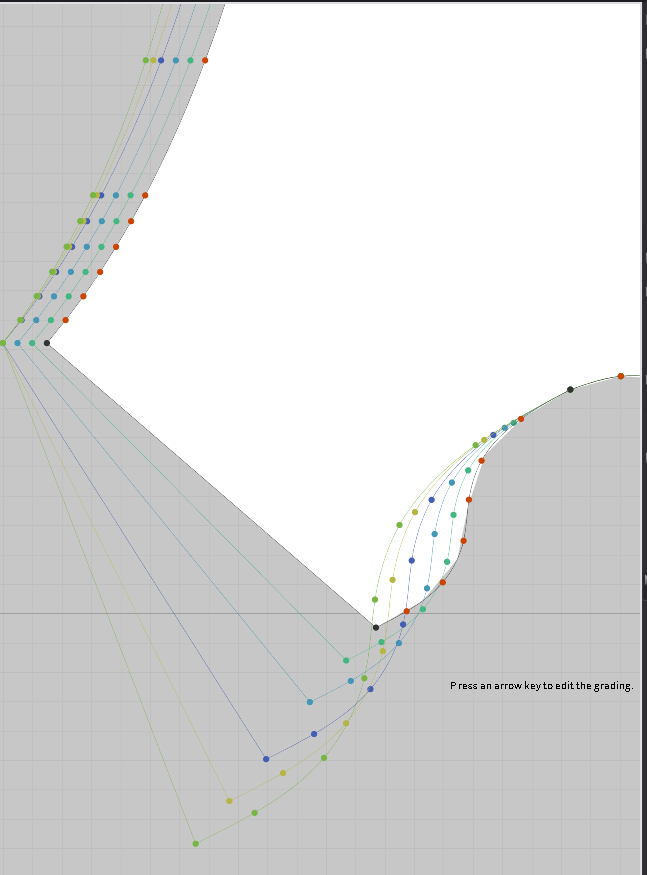 May be it's an hidden issue0
 -
IT also can depend on how far you are trying to move the points and if this causes an overlap. You can try to grade/adjust one small area at a time till you find the area that is causing the error.
Otherwise I recommend reaching out on our Contact Us Page.
0
Comments