Avatar Texture transparency issue

Hi,
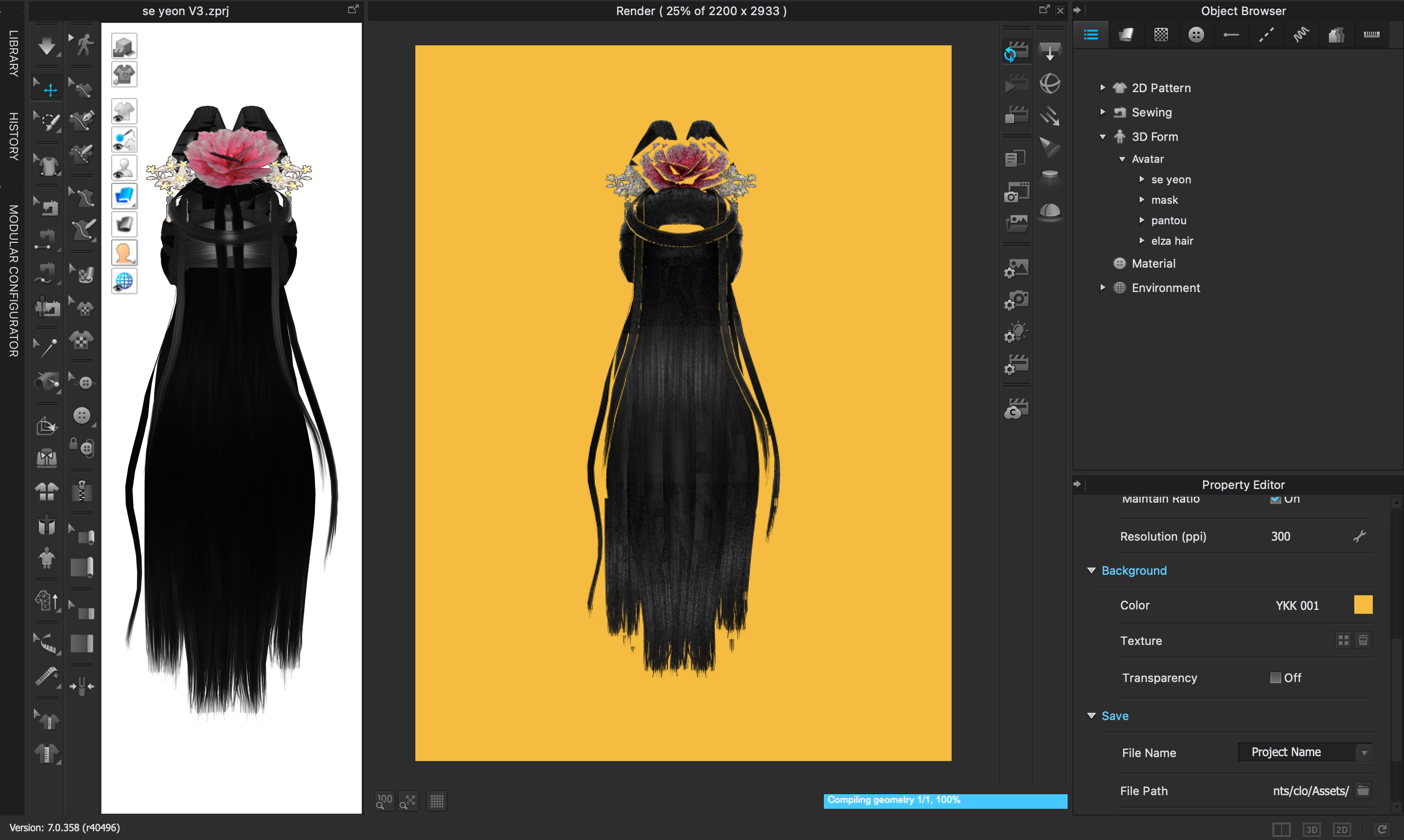
I am trying to render this hairstyle that has transparency in its texture and the render doesn’t look like it is supposed to. It is supposed to look like it does in the 3d viewport (the flower and the hair strands arent supposed to be outlined in the background texture).
I’ve recently cleared & updated my Mac/clo3d and I didn’t have this issue before (I've used the same hair/texture in my previous clo version without any rendering issues). This also happened with different other hairstyles.
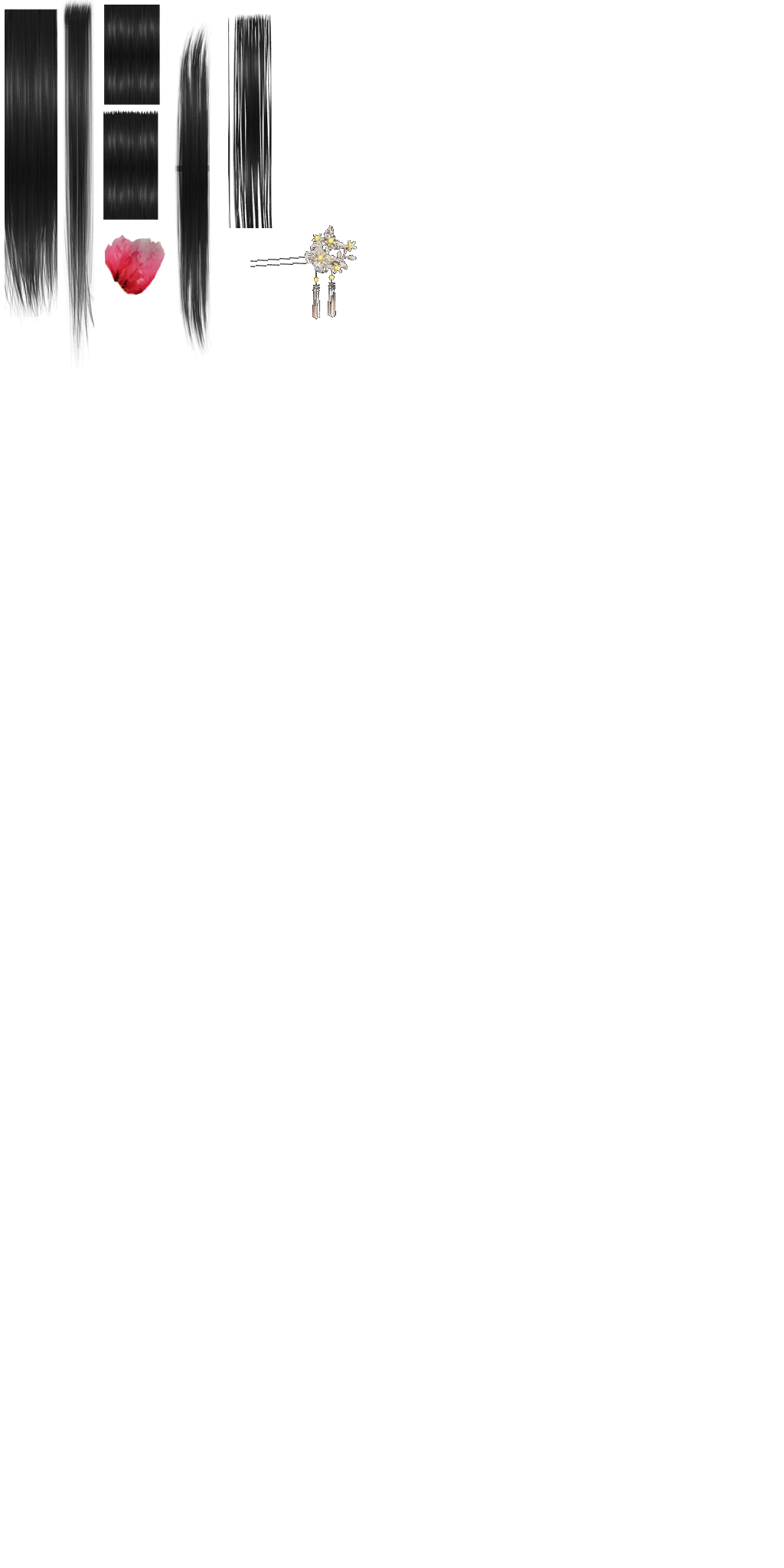
This avatar is an obj but the issue is still there with the fbx version, I've also attached the texture (its a png) so you can see.
Could you help me?
Thank you!!

-
Hi alphaville,
Thanks for reaching out and sorry for the delay responding.
It seems like the issue is coming from the opacity map.
Unfortunately this could not be checked through the shared image...
Please revise the opacity map checking the alpha information.
Best,
0
Comments